Battles of the Ancient World Steam CD Key
1,35 €
- Digital Download
- Safe Shopping
- Money Back Guarantee
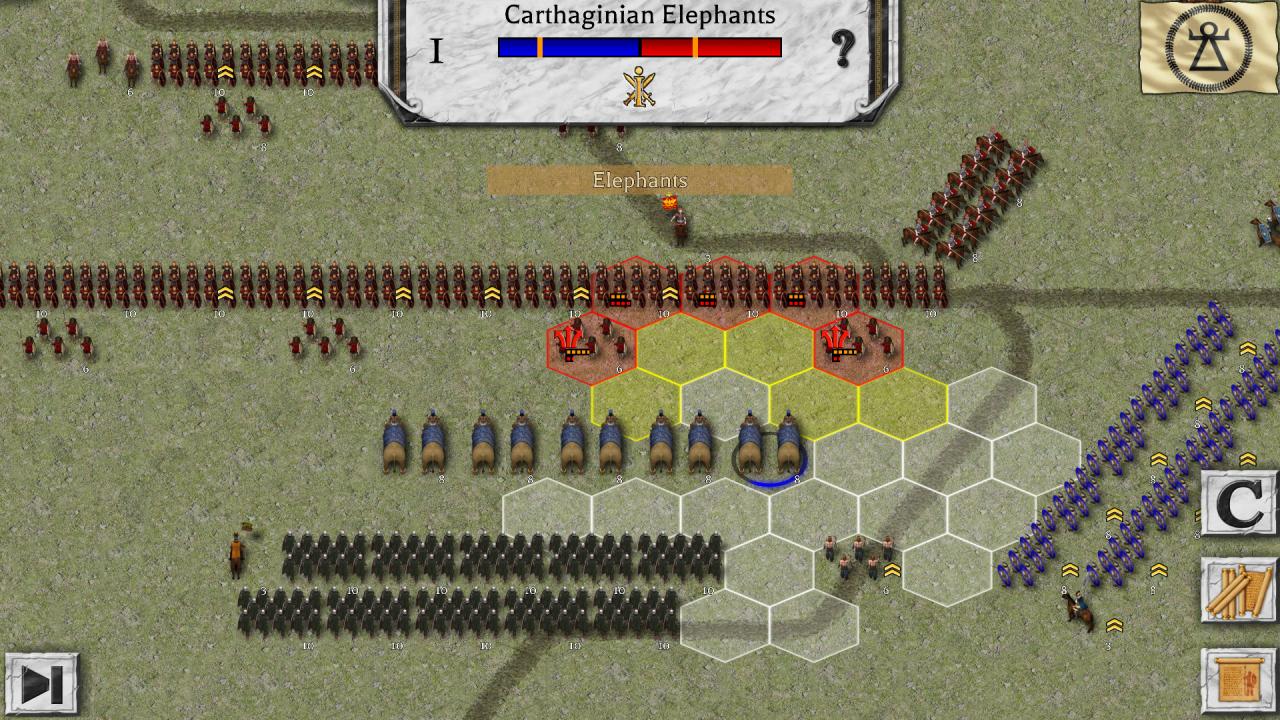
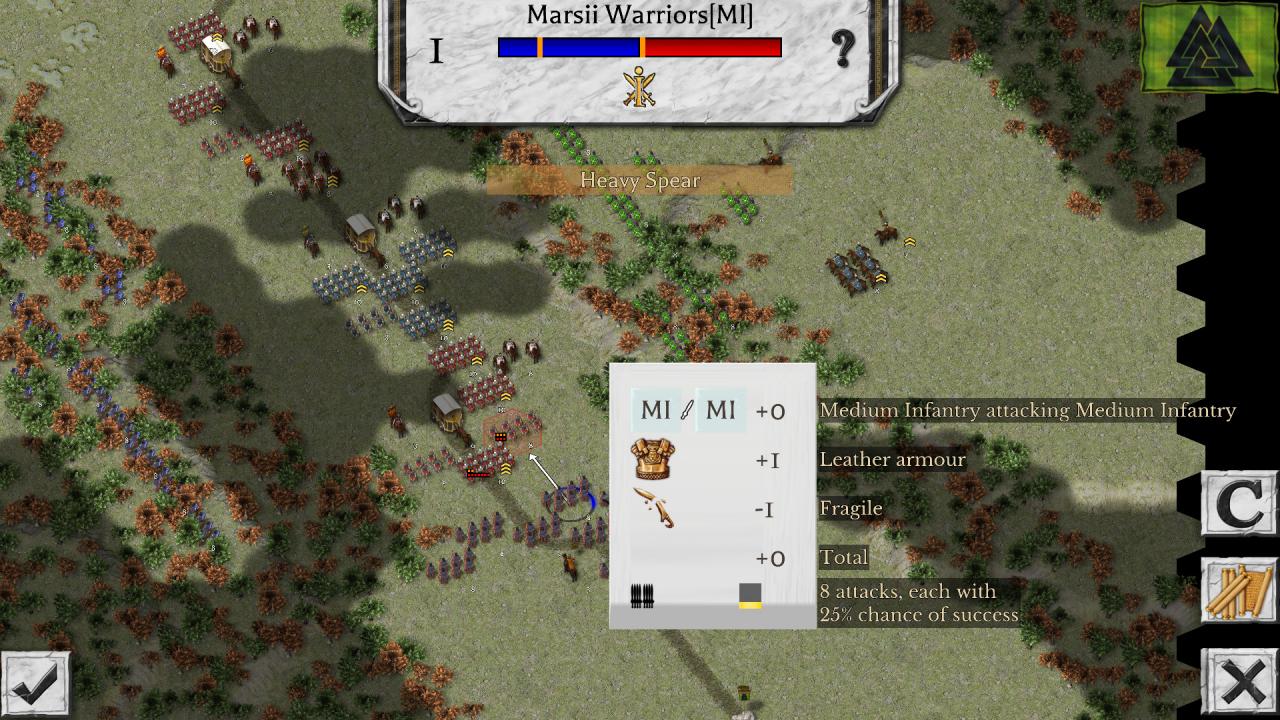
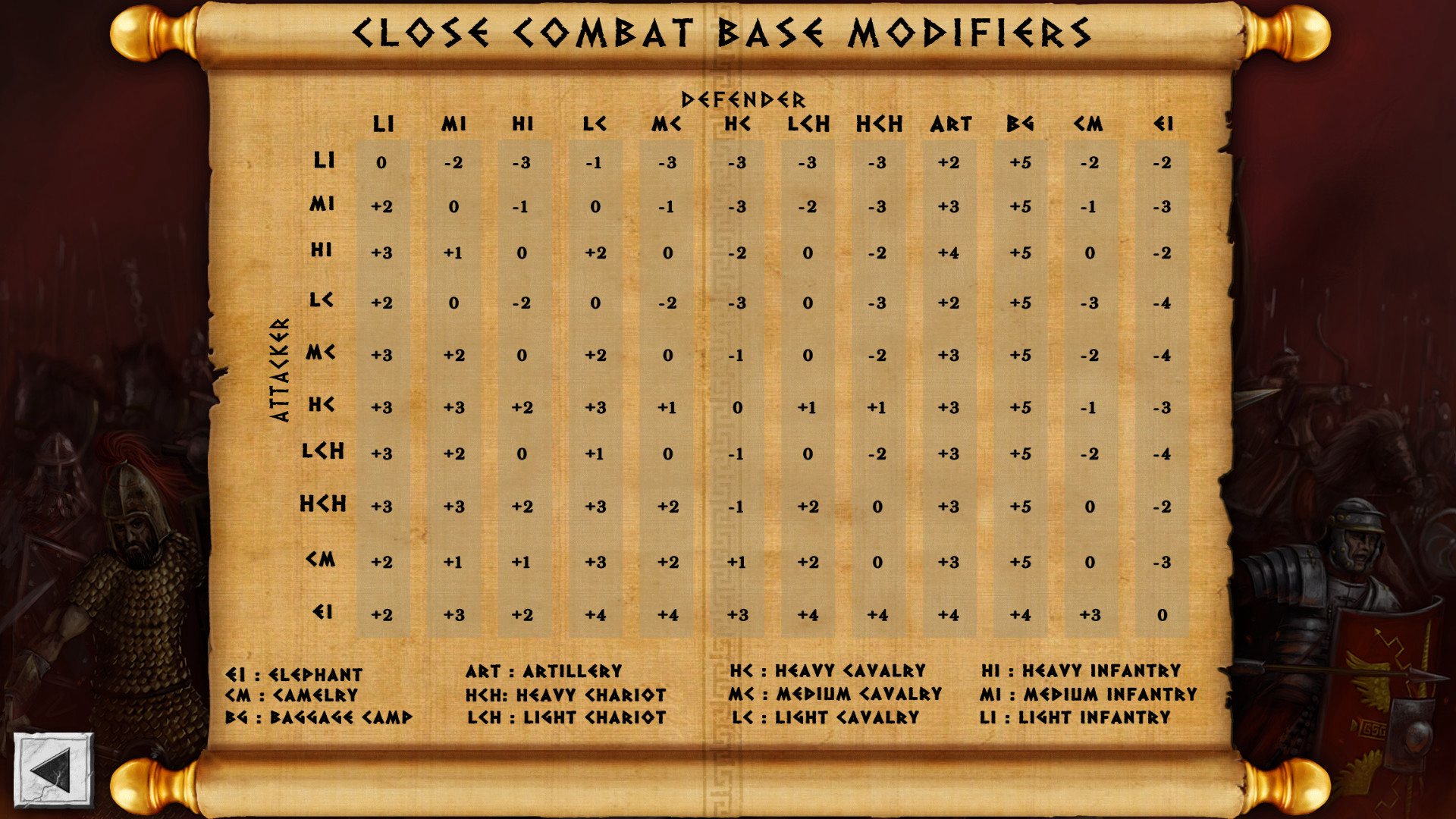
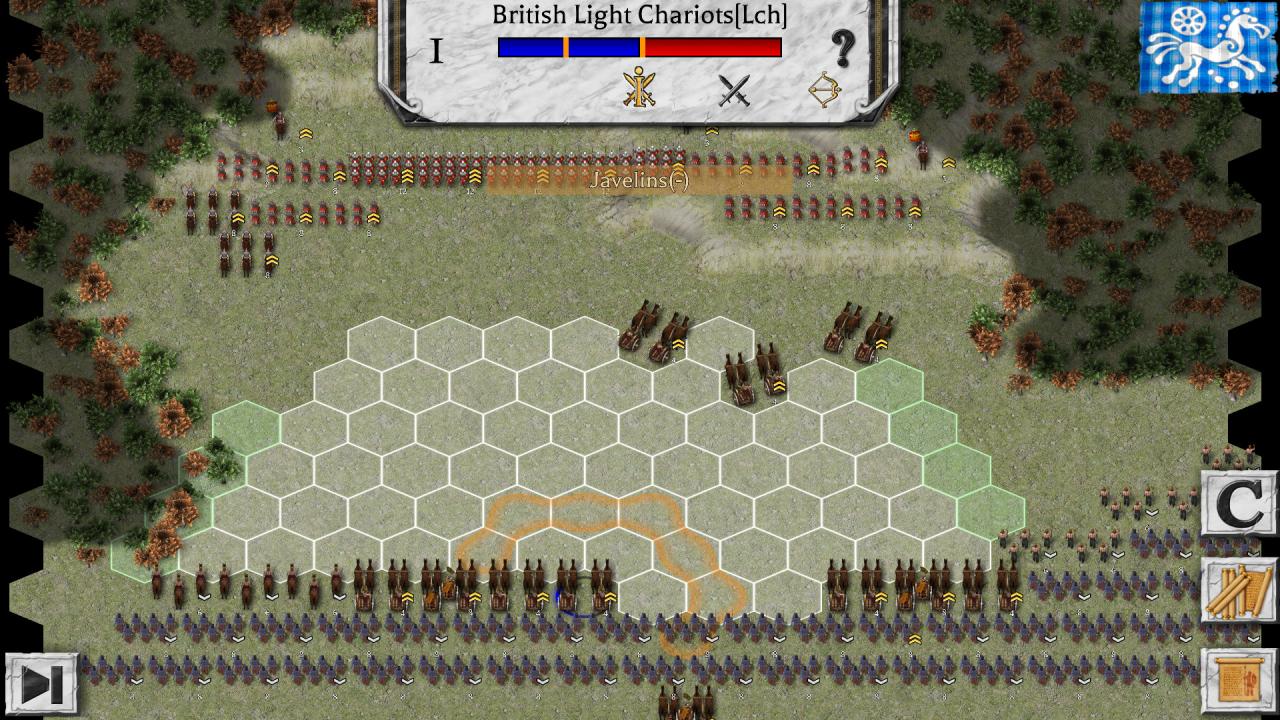
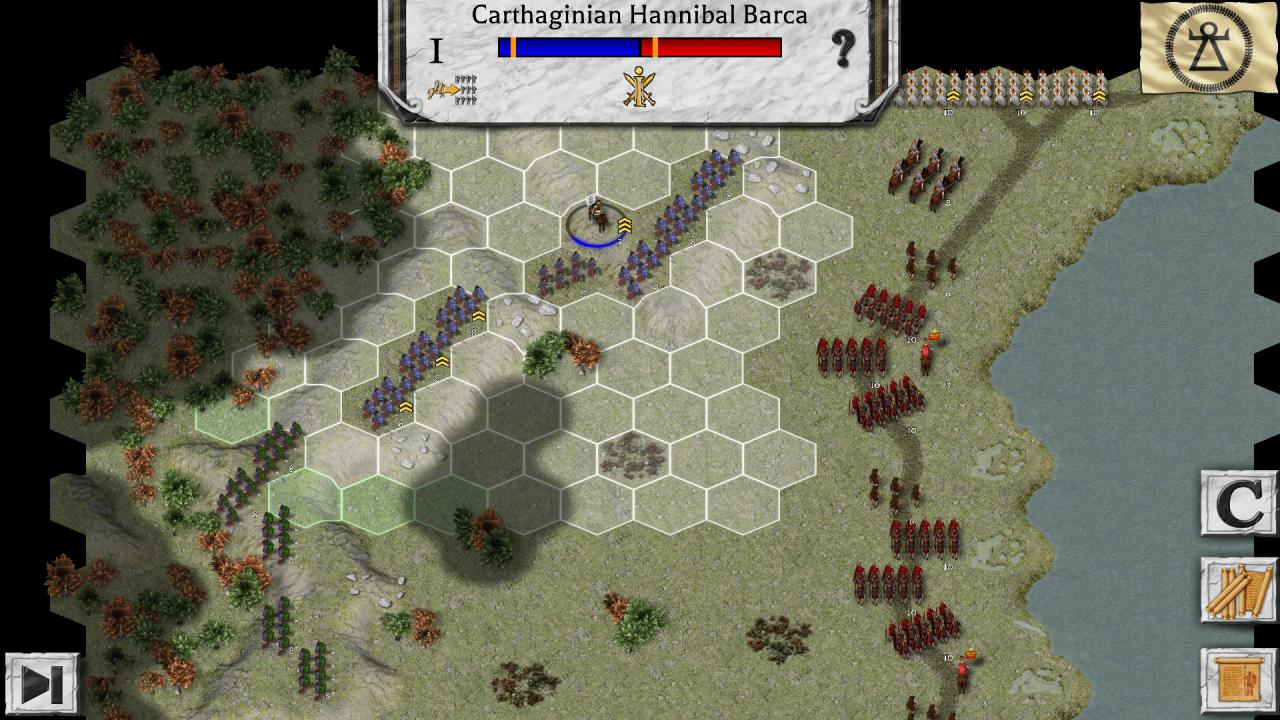
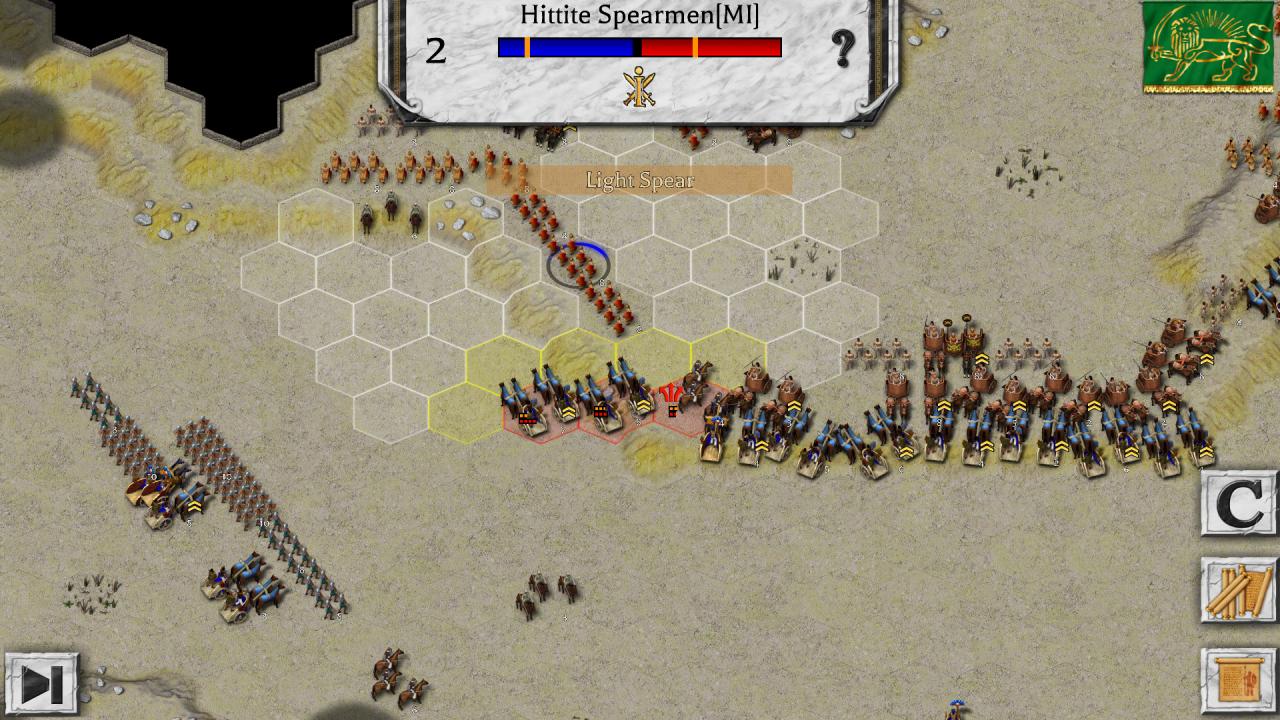
The ‘Battles of the Ancient World’ game system is a tactical simulation of some of the greatest and most important battles from 1457 B. C. to 378 A. D. . Each scenario features one of these great battles and players may play as either side. Each unit in the game represents an actual unit that participated in the battle, each with an actual strength between 250 and 1, 200 men. The map represents the actual terrain over which each battle was fought. The game has been designed to ensure maximum playability and historical accuracy, in that order. There are over 55 different units across all the missions, ranging from elite Roman Legionaries, to Persian Scythed Chariots. Each unit has its own unique ability that you need to take advantage of in order to win each battle. Features High Definition Era Graphics. All missions, except the tutorial, can be played as both sides. 3 levels of difficulty. Over 50 Unique Units. Detailed Combat Analysis. Flank Attacks. Strategic Movement. Hours of Gameplay. Detailed Reference Charts. Map Zoom. Maps Arbela (331 B. C. ) Cannae (216 B. C. ) Pharsalus (48 B. C. ) Teutoburger Wald (9 A. D. ) Issus (333 B. C. ) Metaurus (207 B. C. ) Carrhae (53 B. C. ) Idivisto (16 A. D. ) Boudicca (60 A. D. ) Megiddo (1457 B. C. ) Kadesh (1275 B. C. ) Lake Trasimene (217 B. C. ) Munda (45 B. C. ) Adrianople (378 A. D. ) Marathon (490 B. C. ) Granicus (334 B. C. ) Zama (202 B. C. ) Chalons (451 A. D. )
| Developers | HexWar Games |
|---|---|
| Publishers | HexWar Games |
| Genres | Strategy |
| Platform | Steam |
| Languages | English |
| Release date | 2017-09-15 |
| Steam | Yes |
| Regional limitations | 3 |
Related products