



Bunny Must Die! Chelsea and the 7 Devils Steam CD Key
11,10 €
- Digital Download
- Safe Shopping
- Money Back Guarantee
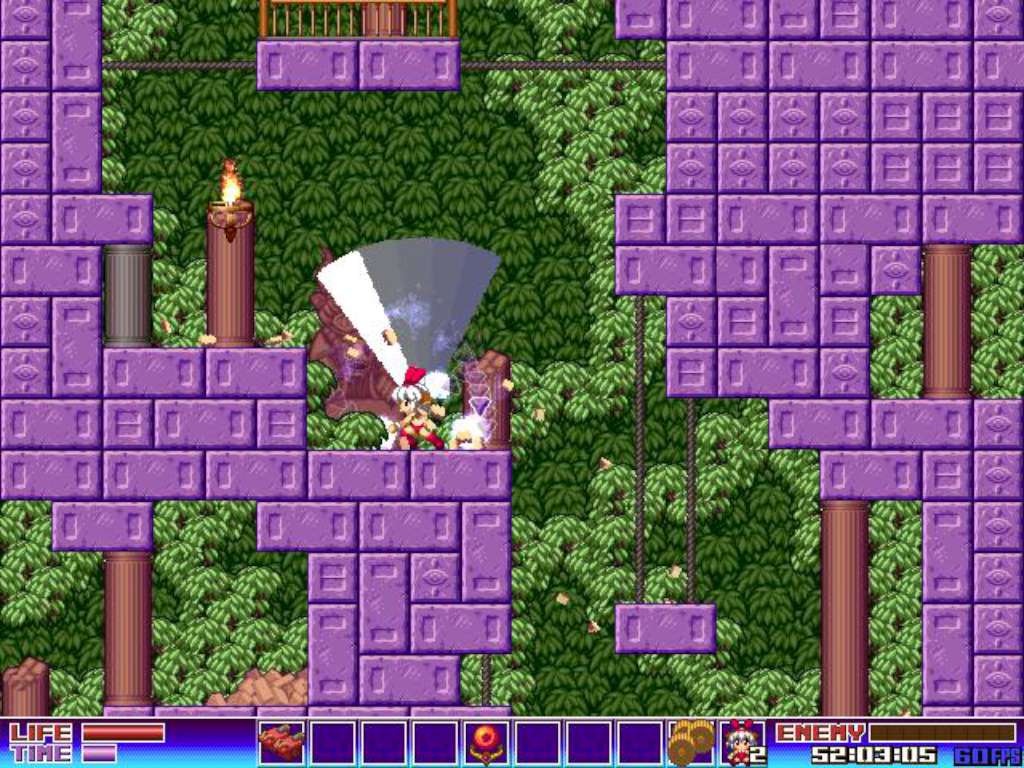
From the creator of the Gundemonium Collection comes a thrilling new 2D action-platformer! Help Bunny escape the Devils’ Labyrinth and defeat the 7 Devils in this hilariously over-the-top action-platformer game. Battle through a large, connected map filled with unique enemies, traps, and puzzles. Use magical items like the Sylph Shooter and the Hyper Heels to power up and defeat the 7 Devils. Manipulate the fabric of time to solve puzzles and survive. Will Bunny be rid of those new ears she so despises? Only with your assistance can she brave this dangerous maze. . . Features Beautiful hand-drawn 2D graphics Over-the-top comical style with a charming storyline Play through 7 dangerous areas and battle 7 powerful Devils 2 versions: Choose between the original graphics or new remixed sprites Acquire magical items, new abilities and manipulate time to solve puzzles A new arranged soundtrack by Woofle (Gundemonium Collection), alongside the original Full arranged soundtrack in high-quality MP3 format for listening outside of the game
| Developers | Platine Dispositif |
|---|---|
| Publishers | Rockin' Android, Rockin Android |
| Genres | Action, Adventure, Indie |
| Platform | Steam |
| Languages | English, French, German, Japanese |
| Release date | 2013-09-26 |
| Steam | Yes |
| Age rating | PEGI 12 |
| Regional limitations | 3 |
Related products