
ComixPlay #1: The Endless Incident Steam CD Key
0,59 €
- Digital Download
- Safe Shopping
- Money Back Guarantee
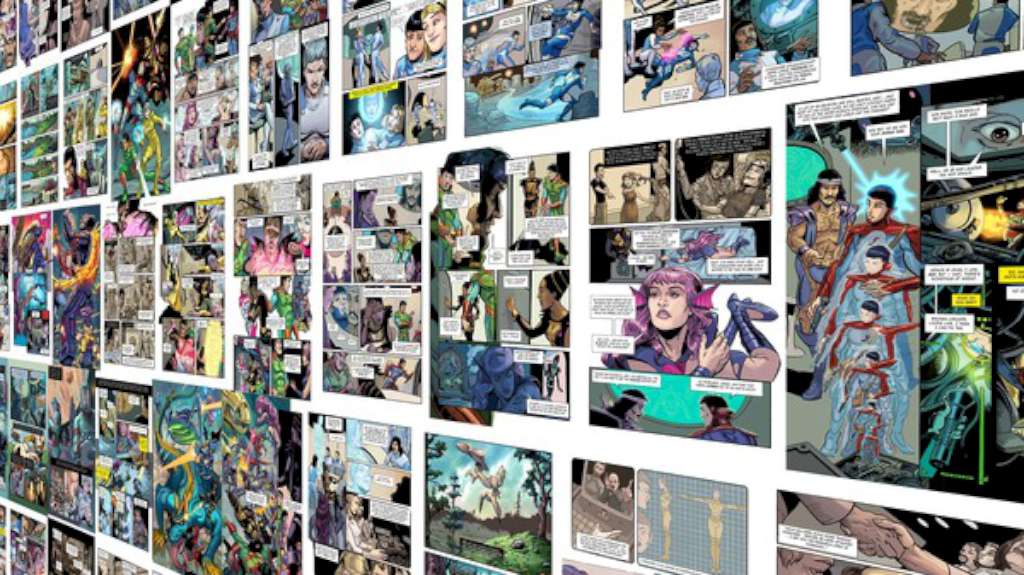
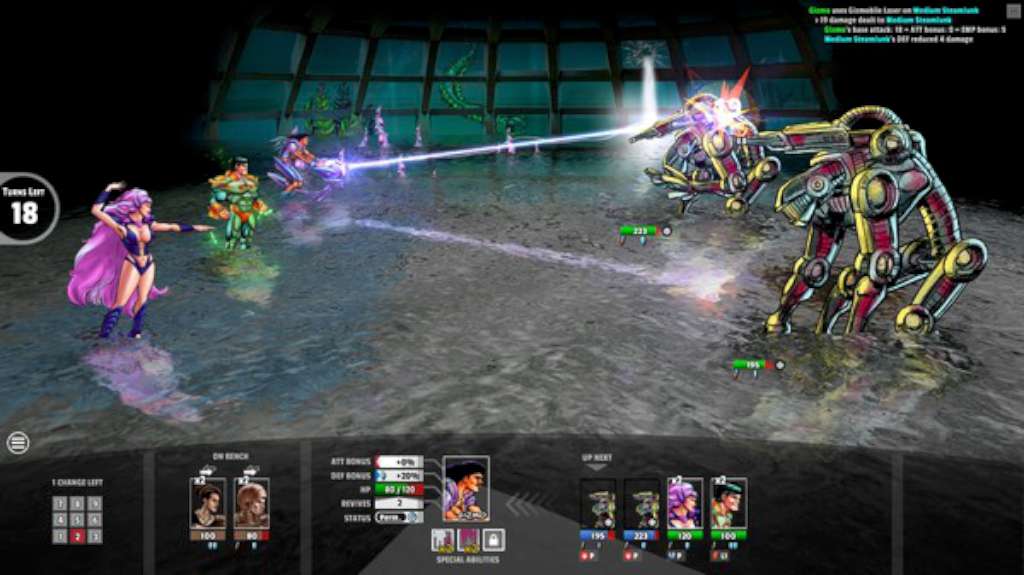
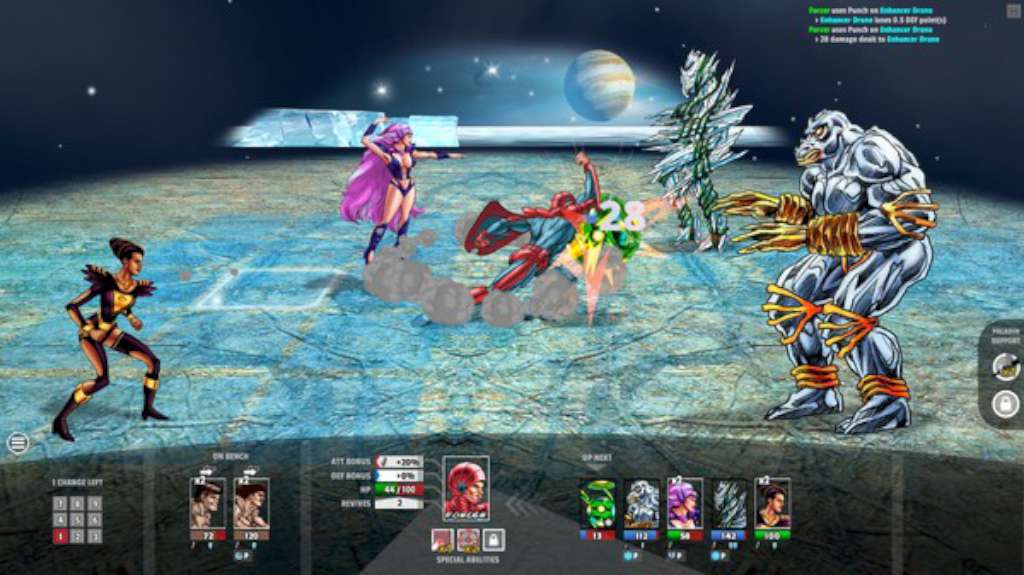
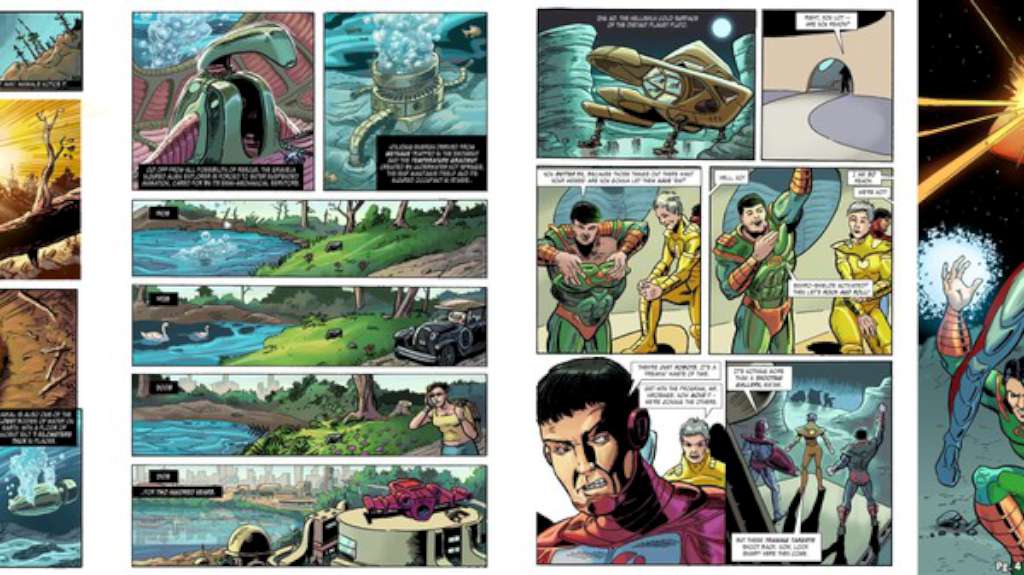
ComixPlay: The Endless Incident is a 124 page digital graphic novel written by Al Sirois (Former Marvel and DC Illustrator) with art by Zach Bassett (Arcana, Zenescope) and Wesley Wong (Marvel Masterworks) Whenever the Solar Defenders engage in a fight, the heroes can leap out of the book and play a turn based battle. Each of the Solar Defenders has its own superpowers and abilities and it’s up to you to combine their strength and win the fight. 2116 AD: A menace from beyond the stars threatens the entire solar system and only the new genetically enhanced team of heroes, the Solar Defenders, can save it. That is — if they can conquer their self-doubt and stop jealously fighting amongst themselves. As they chase their powerful and implacable foe from distant Pluto to all the way back to Earth itself, it becomes clear that they can no longer be sure that the people around them are still human – not even themselves! Features A full 124 page digital comics book A Dedicated full-featured comics reader with ambient music, panel-by-panel or page-by-page reading modes Turn based battles where each hero has its own superpowers and abilities Comics like never before!
| Developers | ComixPlay |
|---|---|
| Publishers | Mongoose Net Ltd. |
| Genres | Adventure, Indie |
| Platform | Steam |
| Languages | English |
| Release date | 2016-02-24 |
| Steam | Yes |
| Regional limitations | 3 |
Related products