Eon Altar: Episode 3 – The Watcher in the Dark DLC Steam CD Key
2,90 €
- Digital Download
- Safe Shopping
- Money Back Guarantee
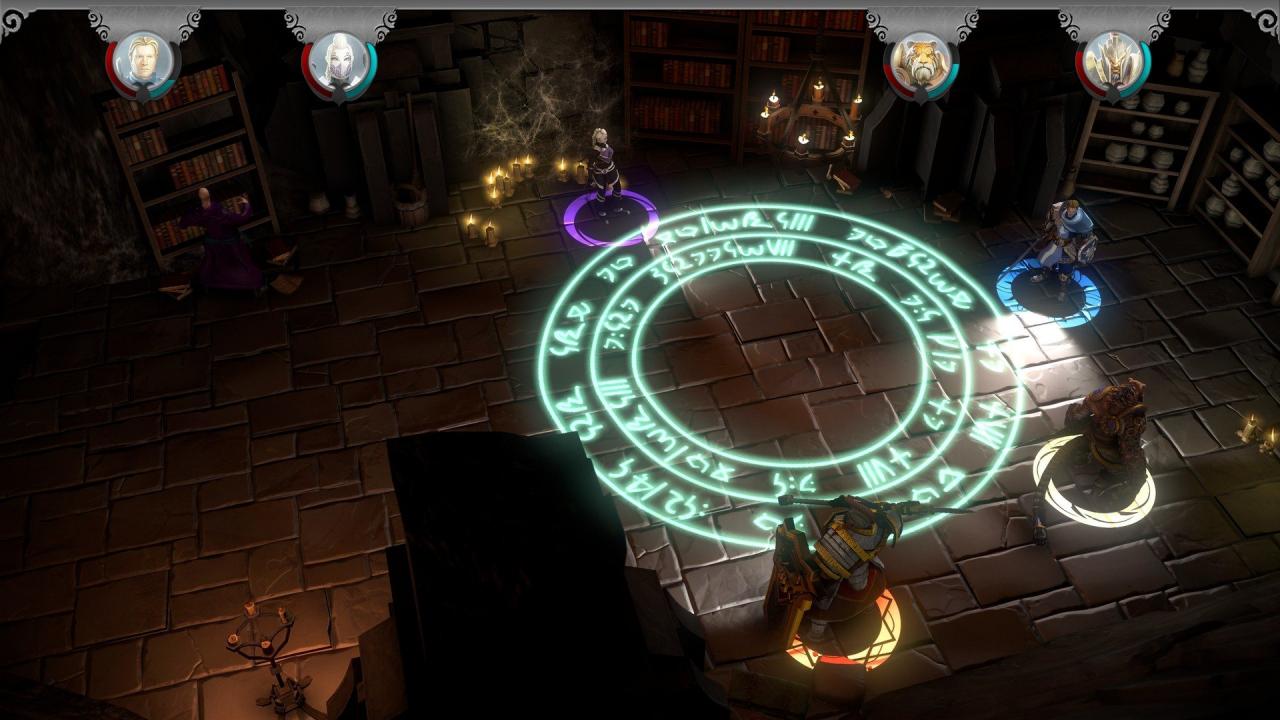
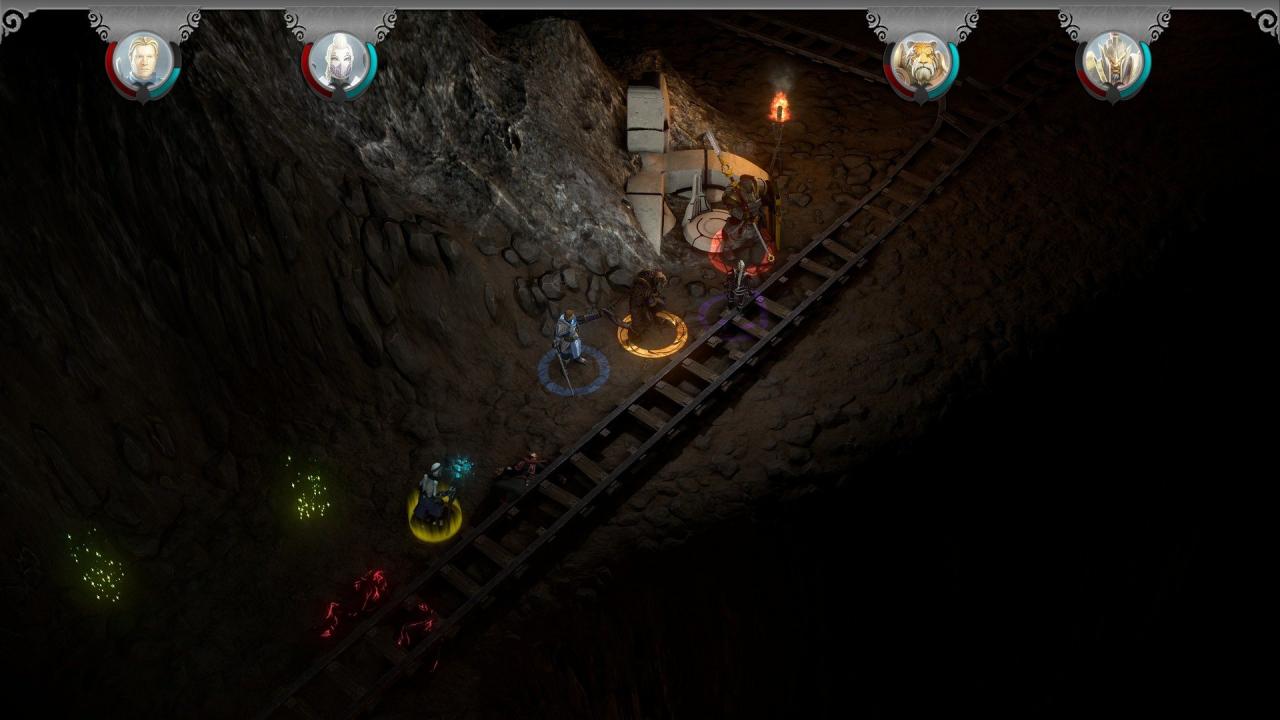
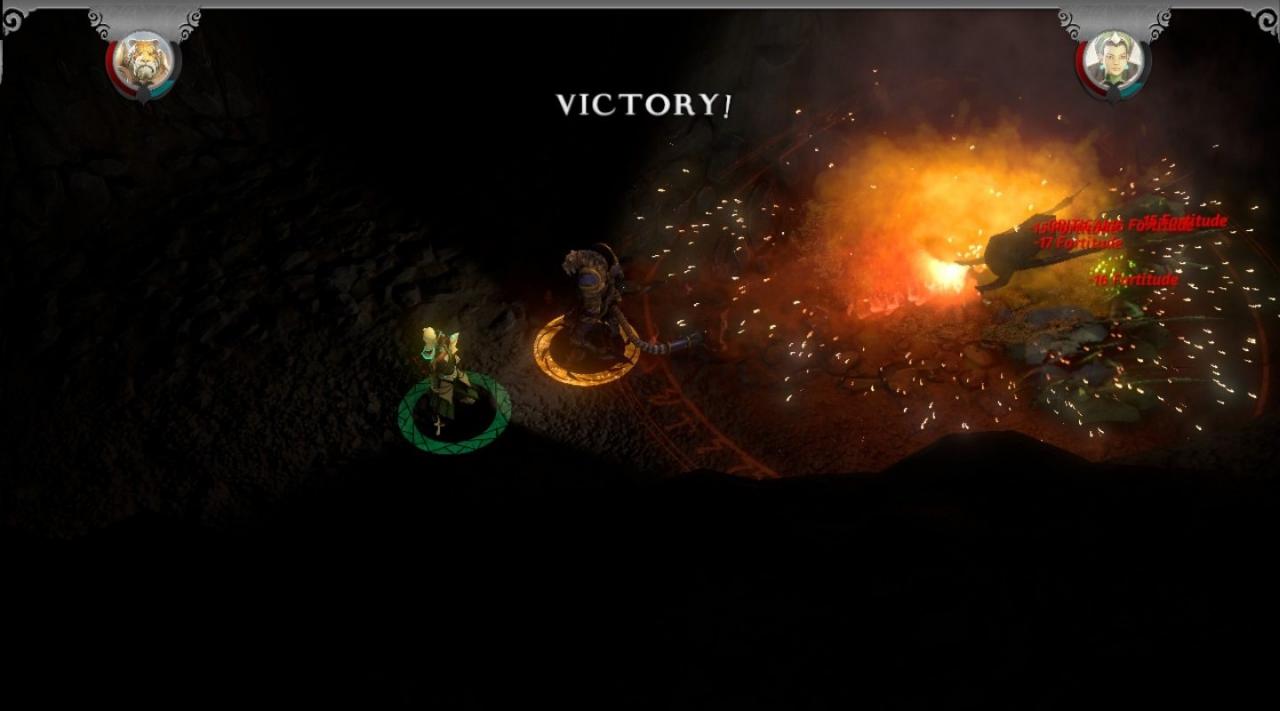
After the defeat of Lady Allevia and putting an end to her centuries-old torment, a mysterious, powerful figure has saved you from Guild Lord Davian’s attack and left you in the dark caves below the Catacombs. Ancient ruins lost to history, a malevolent race, and this mysterious figure’s agenda all stand between you and Davian: survival isn’t enough; your destiny awaits. What does your mysterious benefactor want? And can he help you escape the Paths of Madness with your sanity intact?Continue your adventures with Episode 3 – The Watcher in the Dark. With over 3 hours of new content, you’ll continue to banter with your friends in dialogue, progress your characters further, and fight as a well-oiled, tactical machine.
| Developers | Flying Helmet Games |
|---|---|
| Publishers | Flying Helmet Games |
| Genres | Action, Adventure, Indie, RPG |
| Platform | Steam |
| Languages | English |
| Release date | 2016-10-06 |
| Steam | Yes |
| Regional limitations | 3 |
- iOS
- iPhone 4s or later, iPad Mini, iPad 2 or later. Requires iOS8 or later.
- Android
- 512mb of RAM and Jellybean 4. 1 or later.