Europa Universalis IV – The Cossacks Content Pack DLC RU VPN Required PC Steam CD Key
2,12 €
- Digital Download
- Safe Shopping
- Money Back Guarantee
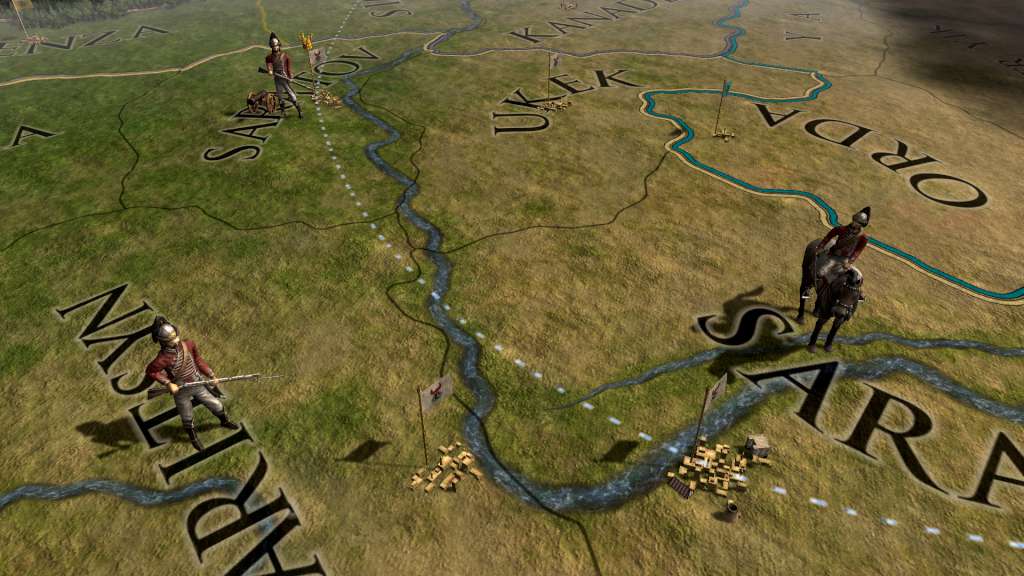
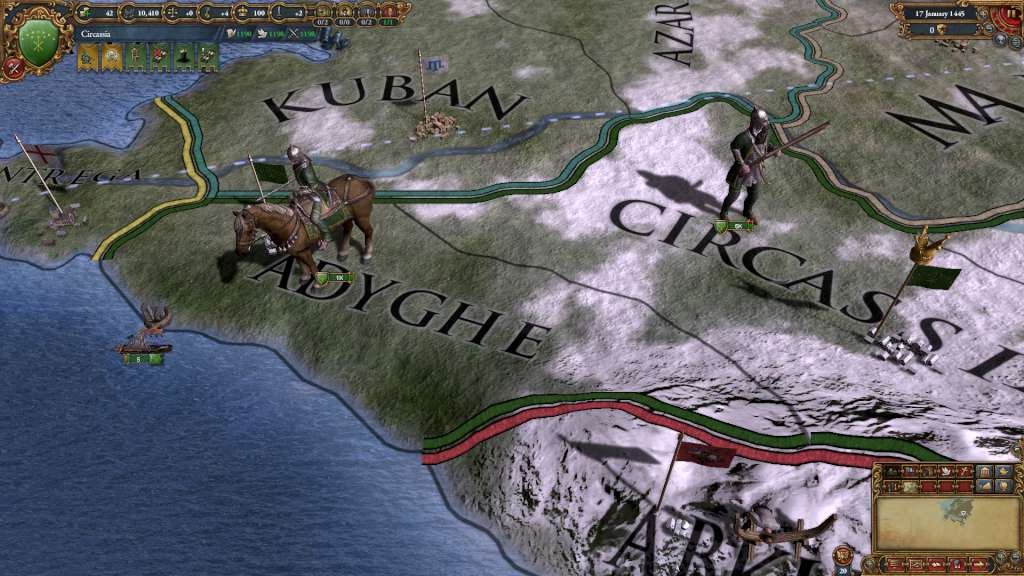
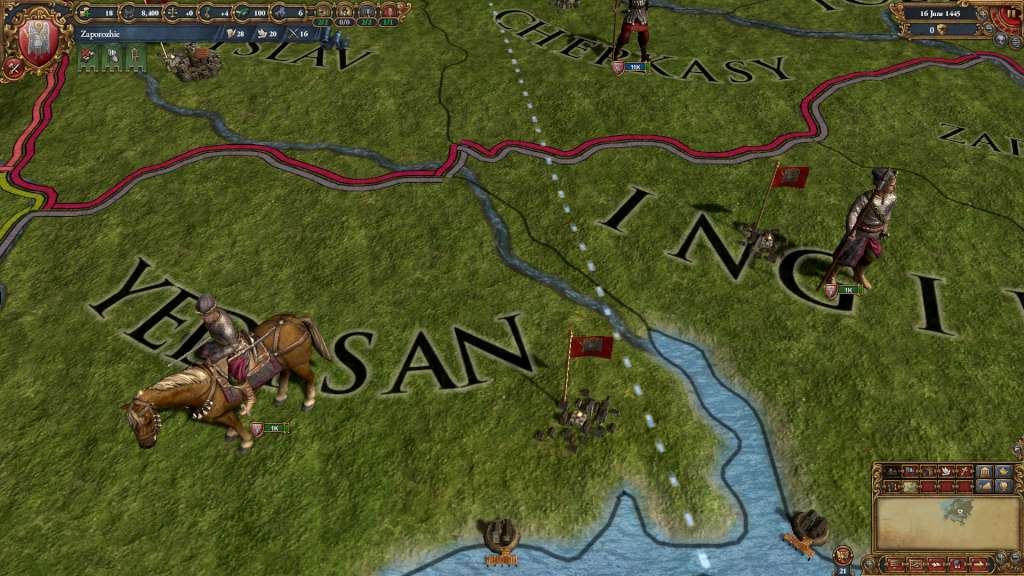
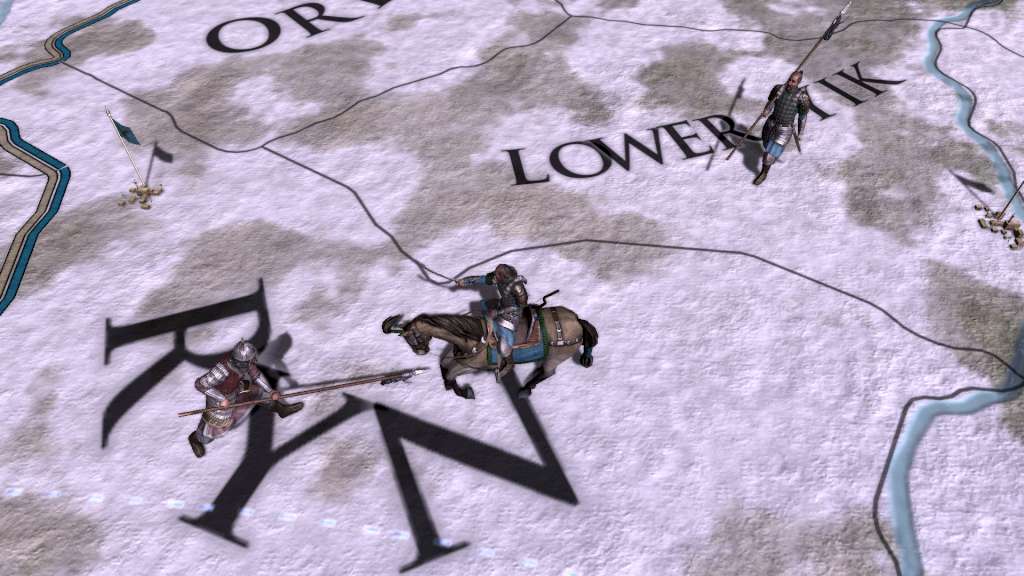
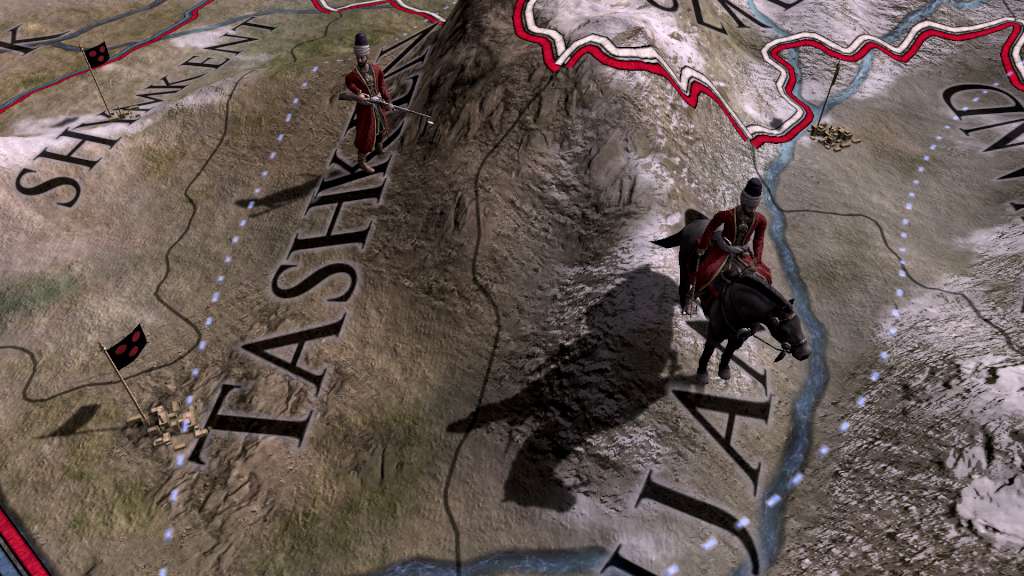
Europa Universalis IV: Cossacks Content Pack includes three new unit packs and a fort pack as part of the Cossacks expansion. The Cossacks is the sixth major expansion for Europa Universalis IV and focuses on Hordes and Eastern Europe. This addition allows you to plunder your neighbours as a horde in order to keep your tribes loyal and raze their lands to gain power to advance in technology or reform into a settled nation. Features Black Sea Unit Pack: This unit pack adds 32 new unit models for Zaporozhie, Crimea, Circassia and Theodoro. Great Hordes Unit Pack: This unit pack adds 32 new unit models for Timurids, Golden Horde, Nogai and Uzbek. European Cavalry Unit Pack: This unit pack adds 12 new unit models for European cavalry, including France, Spain and Britain. Fort Pack: This pack adds 18 new models for Western, Muslim, Asian, Indian, African South and North American forts.
| Developers | Paradox Development Studio |
|---|---|
| Genres | Adventure, Casual, Simulation, Strategy |
| Platform | Steam |
| Languages | English, French, German, Spanish |
| Release date | 2015-01-12 |
| Steam | Yes |
| Age rating | PEGI 12 |
| Metacritic score | 87 |
| Regional limitations | 6 |