
Halo Wars: Definitive Edition XBOX One / Windows 10 CD Key
18,25 €
- Digital Download
- Safe Shopping
- Money Back Guarantee
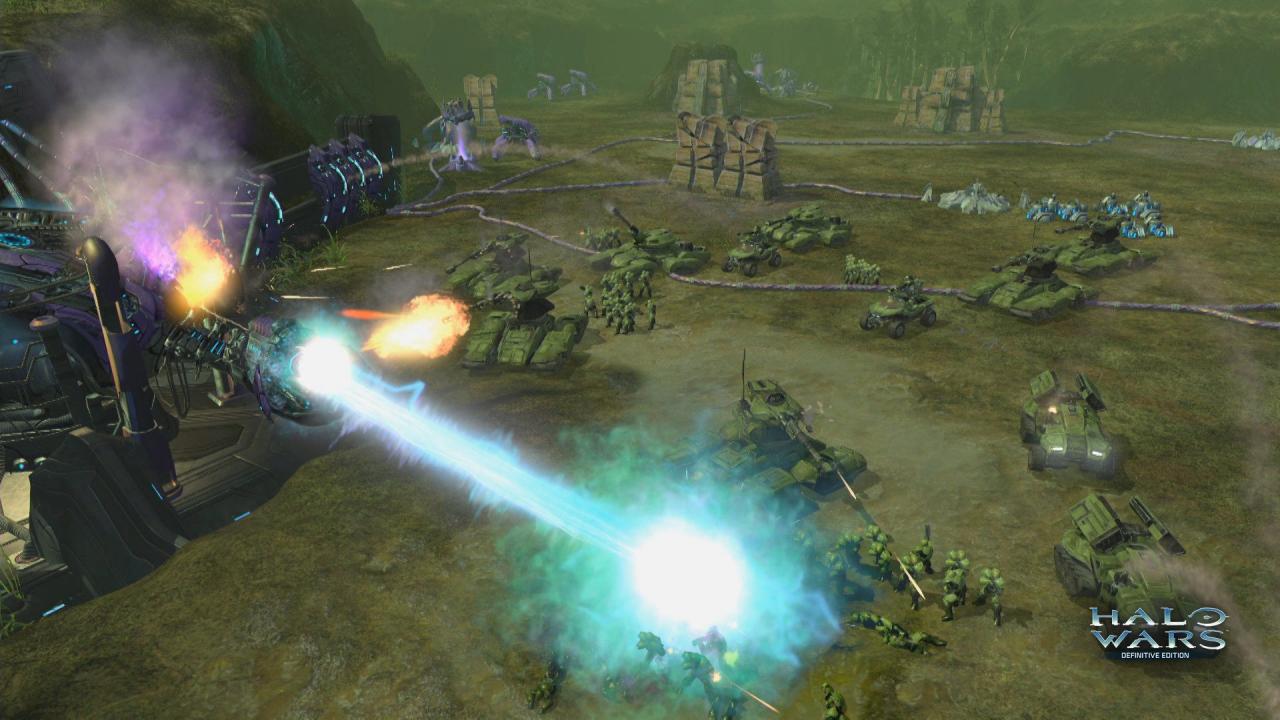
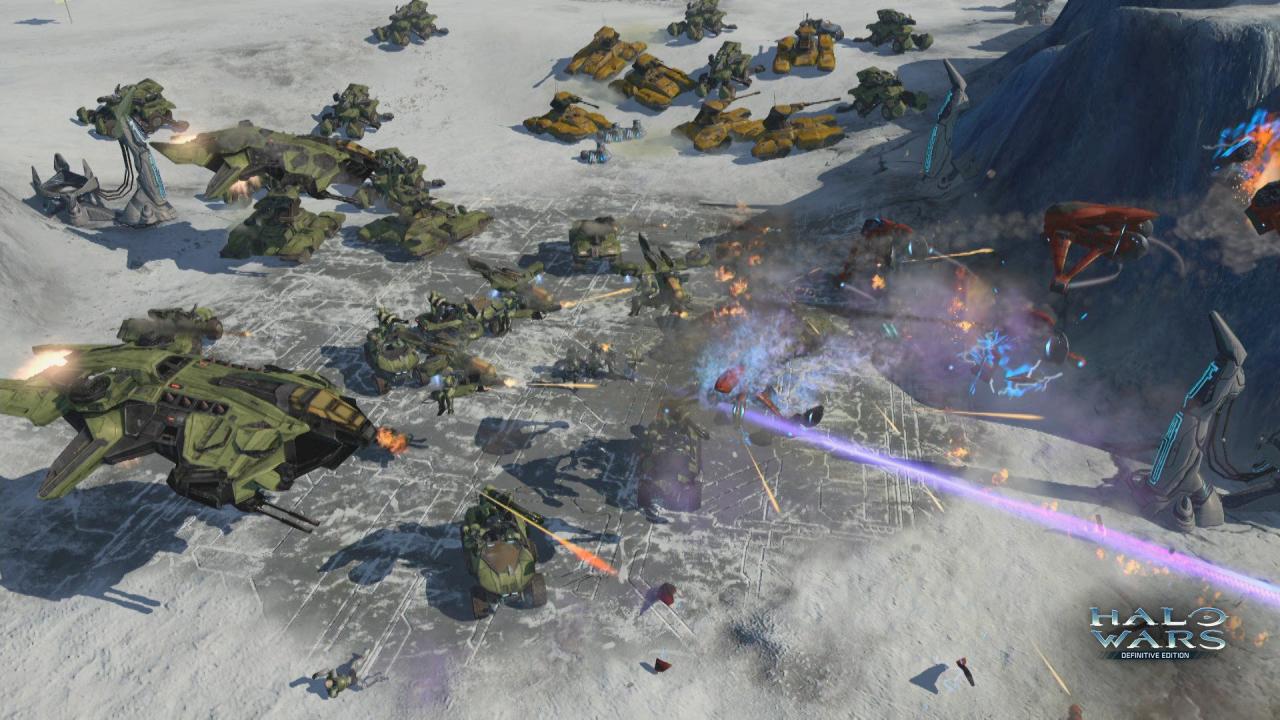
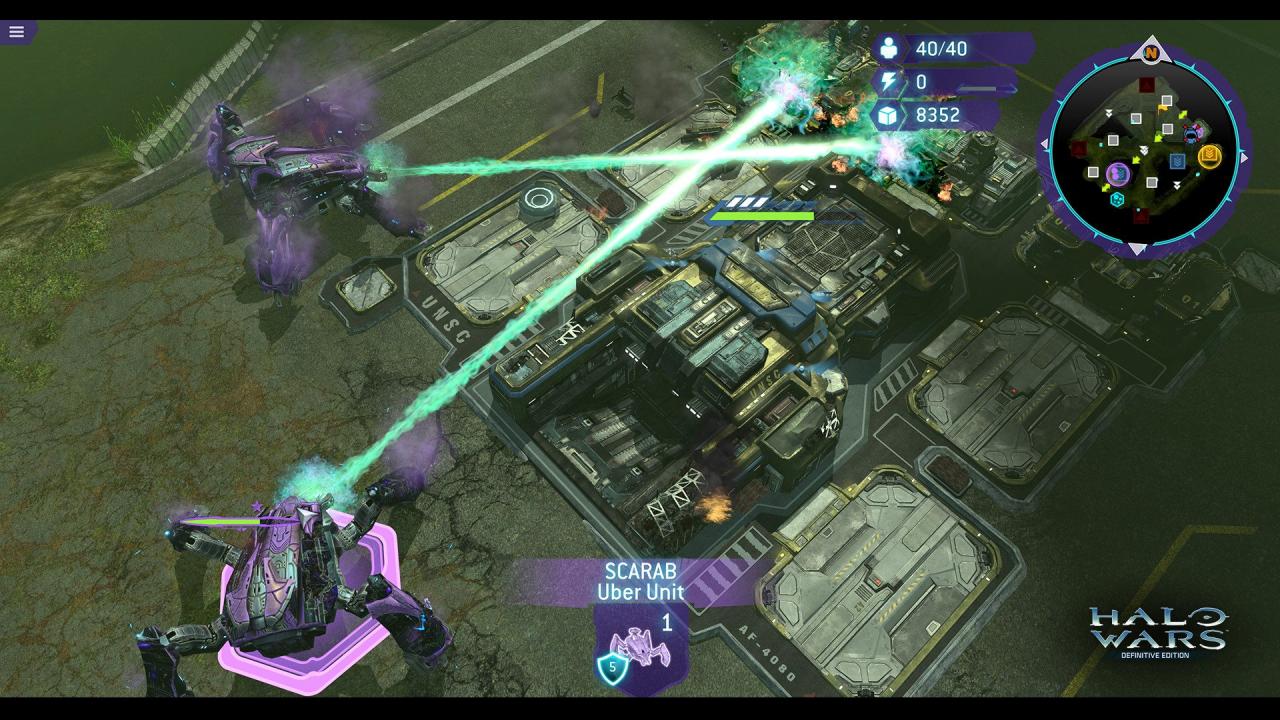
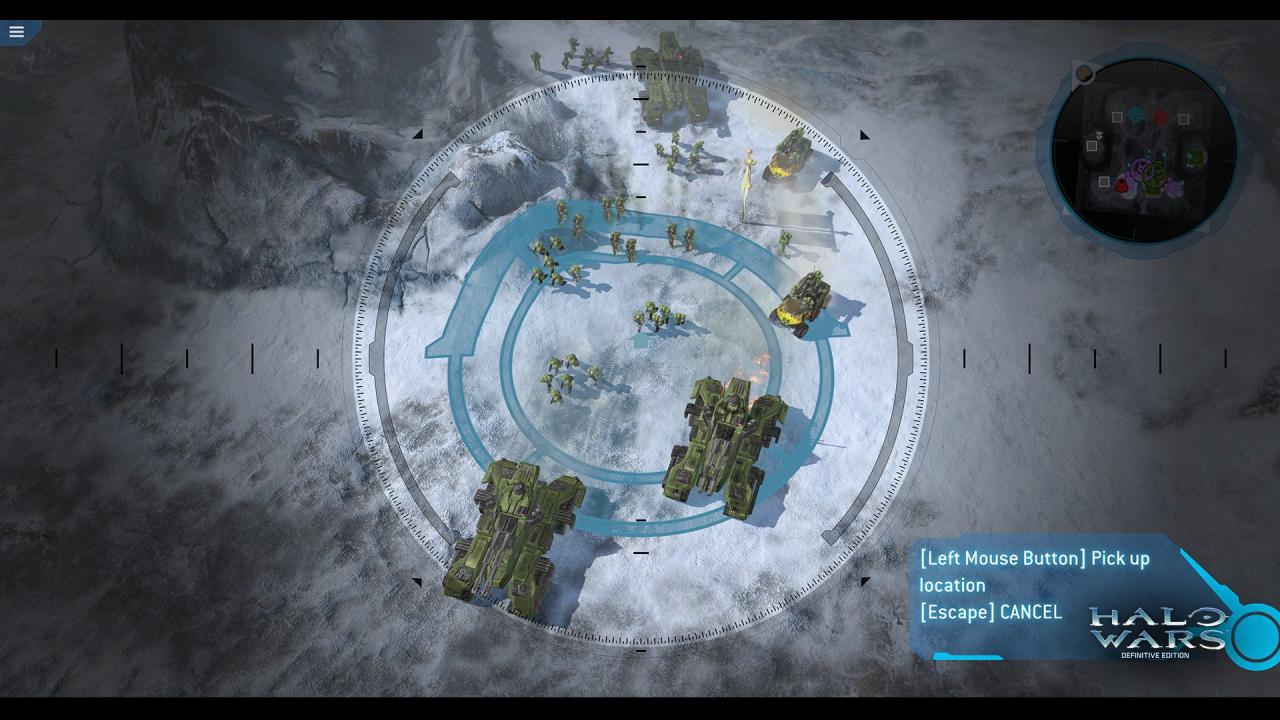
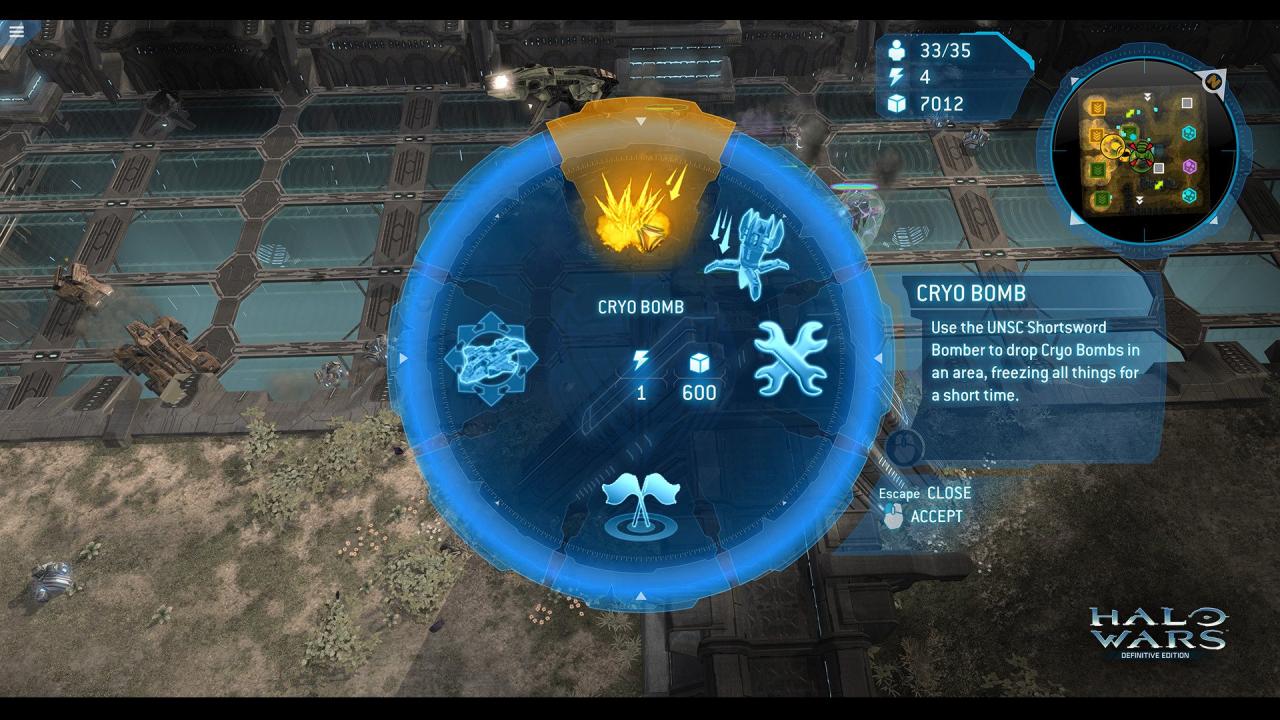
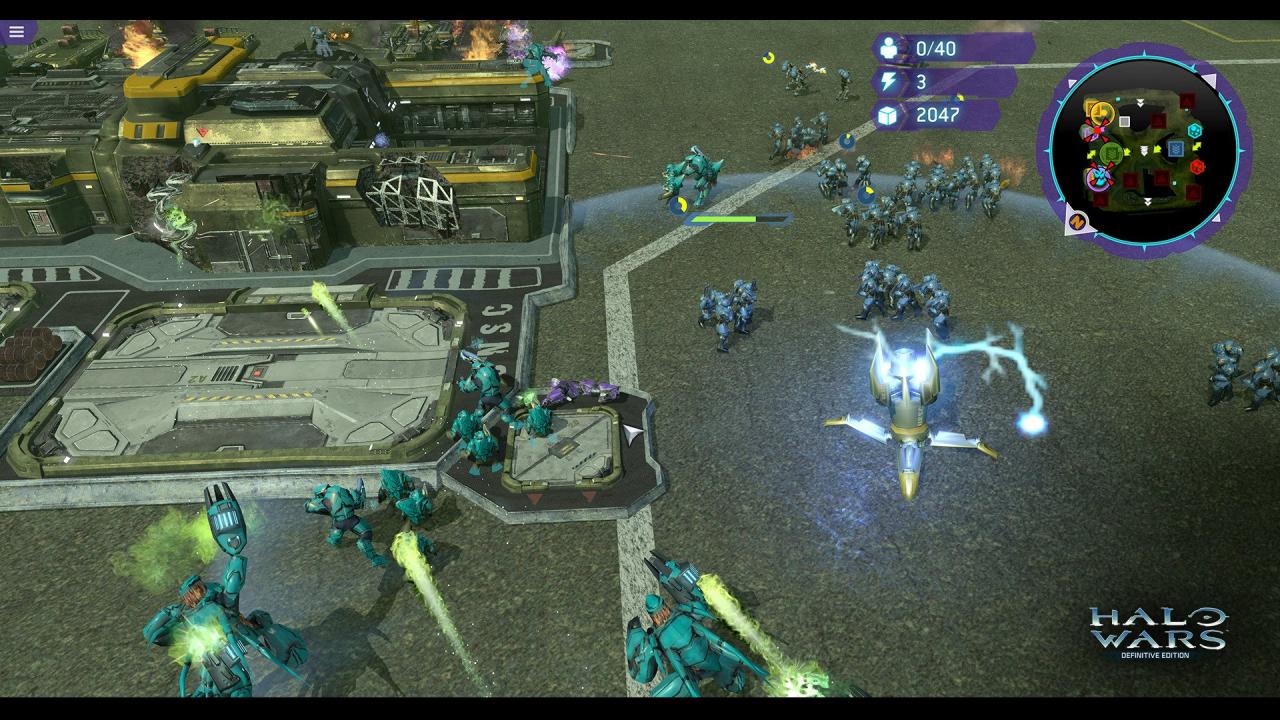
Halo Wars: Definitive Edition is an enhanced version of the real-time strategy classic, Halo Wars, updated to run natively on Xbox One and Windows 10. Set early in the iconic war between the Covenant and UNSC – made famous by the Halo FPS games – Halo Wars: Definitive Edition provides a unique angle on the war while bringing new heroes to the battlefield. Control large Halo armies and direct them in action-packed warfare. Halo Wars: Definitive Edition includes improved graphics, new achievements and all the DLC from the landmark game. Re-live the epic campaign or compete in online multiplayer battles with armies of powerful Halo forces at your command. Features Optimized to run natively on Xbox One and Windows 10 Improved visual effects, graphics and audio Up to 4K resolution on Windows 10 PC All of the DLC created for the original game New achievements Bonus content
| Developers | Microsoft, Microsoft Game Studios |
|---|---|
| Publishers | Microsoft Game Studios |
| Genres | Action, Strategy |
| Platform | Xbox One |
| Languages | Chinese, Danish, Dutch, English, Finnish, French, German, Italian, Japanese, Korean, Portuguese – Brazil, Russian, Spanish, Swedish |
| Release date | 2017-02-21 |
| Age rating | PEGI 16 |
| Metacritic score | 81 |
| Regional limitations | 4 |
Related products