Magic 2015 – Duels of the Planeswalkers RU VPN Required Steam Gift
71,42 €
- Digital Download
- Safe Shopping
- Money Back Guarantee
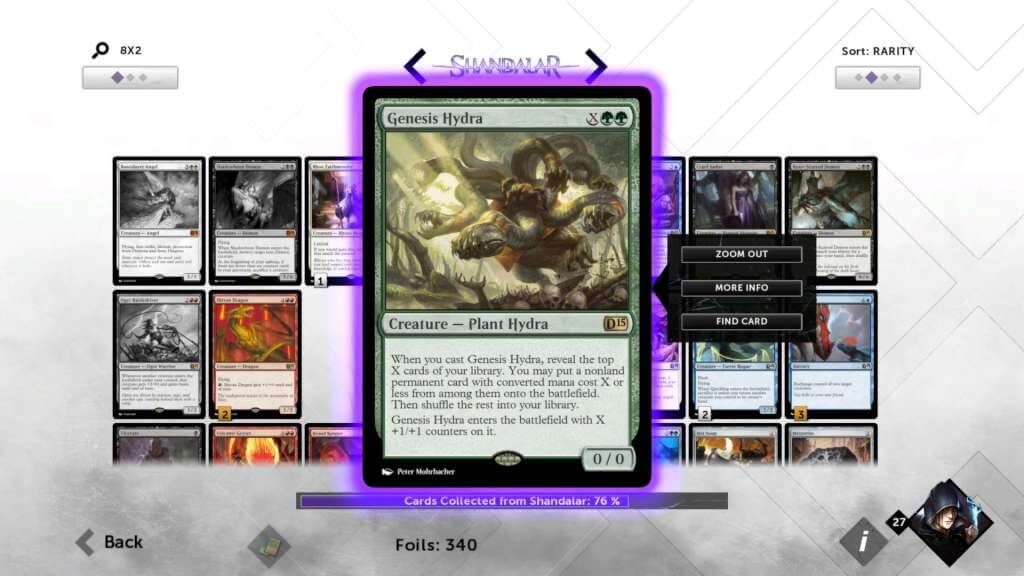
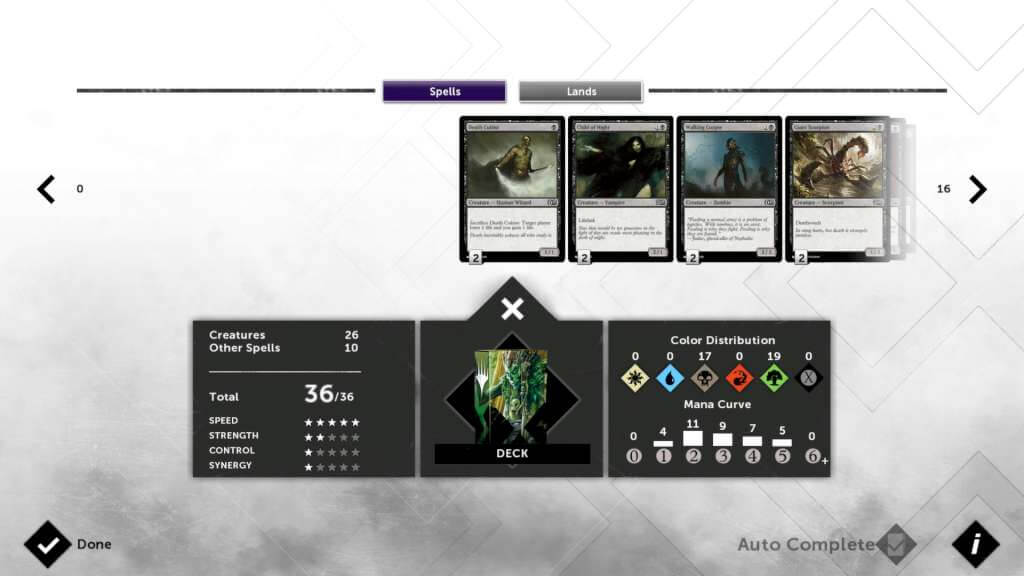
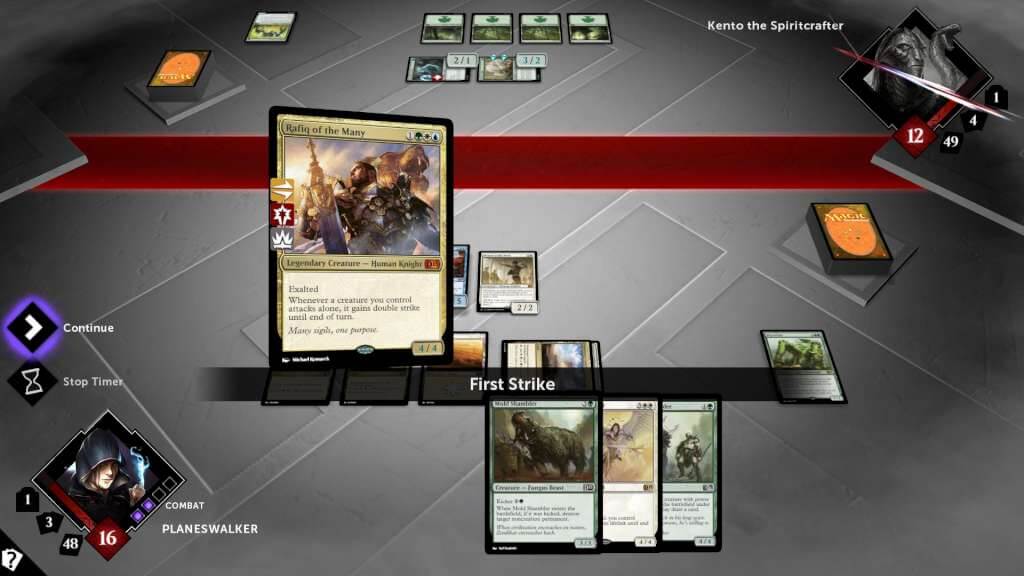
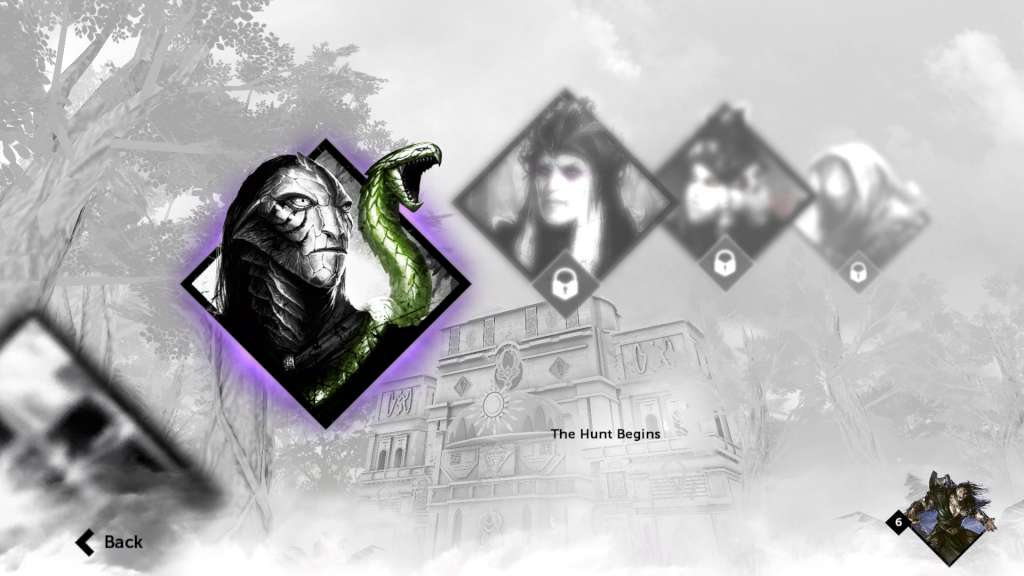
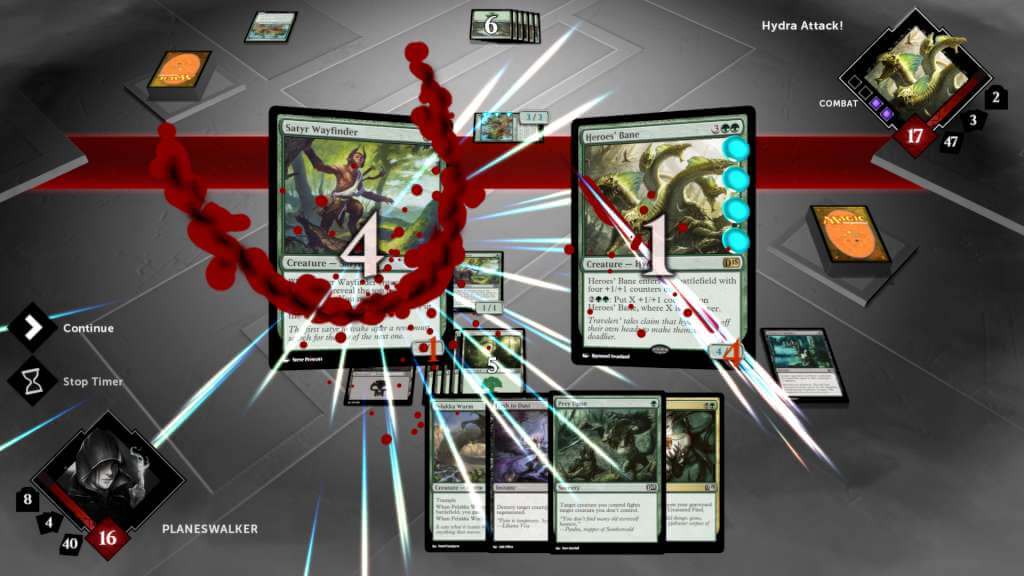
Magic 2015 Duels of the Planeswalkers – RU VPN Required Steam Gift Platform: Steam Release Date: 16/07/2014 Product Description This is the Russian version of the game and a VPN service is required to activate and play the game. Hunt bigger game on a bold new adventure with Magic 2015—Duels of the Planeswalkers! Command powerful creatures and wield devastating spells to defeat your opponents in this epic game of strategy. Hone your skills as you battle your way across the planes of the Multiverse. Beware though, Planeswalker. Your biggest danger lies ahead. Garruk Wildspeaker, the greatest hunter known, has fallen under the curse of the Chain Veil. He now mercilessly stalks his own kind. Find him and stop him . . . before he finds you! Features The best way to learn to play Magic: A detailed tutorial makes it easy to get started. Deck building: Open virtual booster packs of Magic cards to build decks and battle in single- and multi-player modes. Hours of gameplay: Travel across five different fantastic planes, battle incredible creatures, and save the Multiverse from a terrible fate. System Requirements OS: Windows 8/7/Vista (XP not supported) Processor: 2GHz CPU (Pentium 4 or equivalent) Memory: 1 GB RAM Graphics: 512MB DirectX 9. 0c compatible video card with Pixelshader 3. 0 support DirectX: Version 9. 0c Sound Card: DirectX 9. 0c compatible sound card Additional Notes: Memory: 1GB RAM (2GB for Vista and Windows 7)
| Developers | Stainless Games |
|---|---|
| Publishers | Wizards of the Coast |
| Genres | Strategy |
| Platform | Steam |
| Languages | Chinese, English, French, German, Italian, Japanese, Korean, Portuguese – Brazil, Russian, Spanish |
| Steam | Yes |
| Age rating | PEGI 12 |
| Metacritic score | 60 |
| Regional limitations | 6 |