Max, an Autistic Journey Steam CD Key
0,55 €
- Digital Download
- Safe Shopping
- Money Back Guarantee
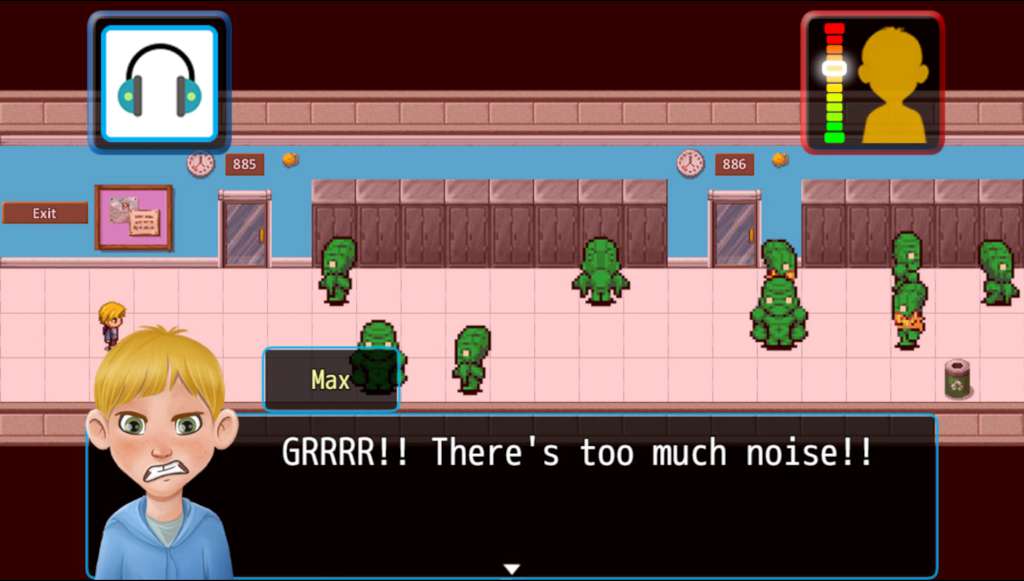
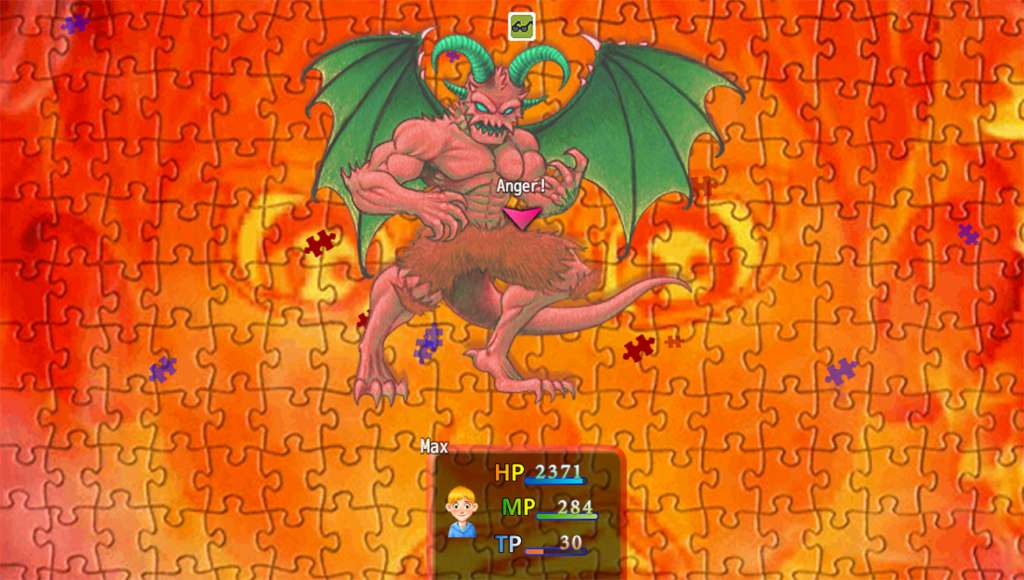
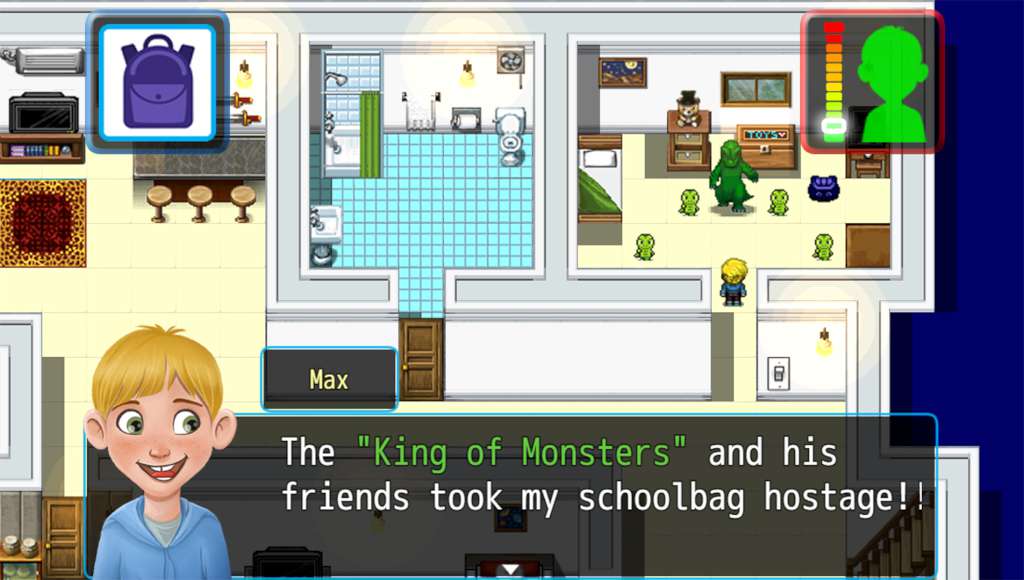
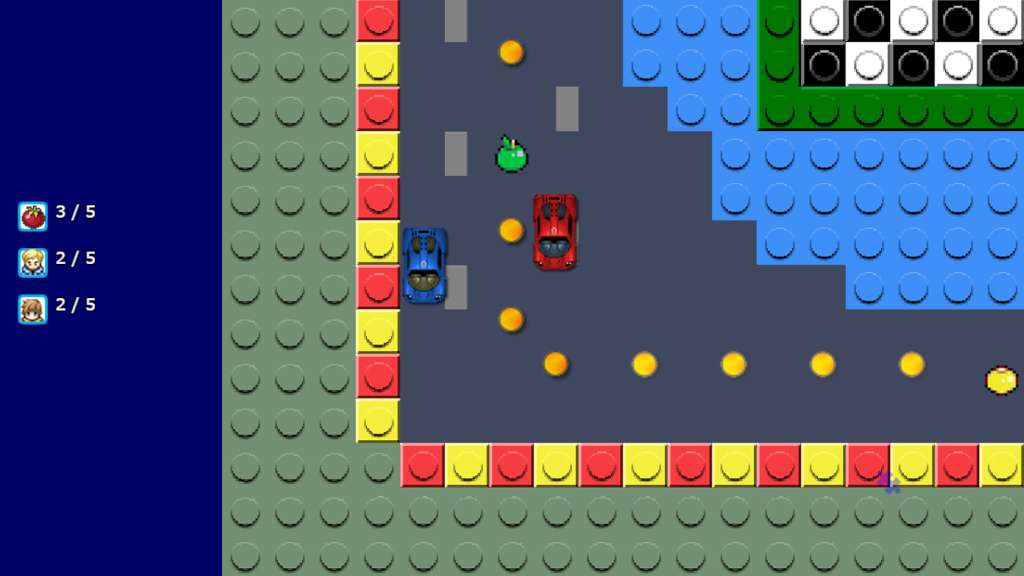
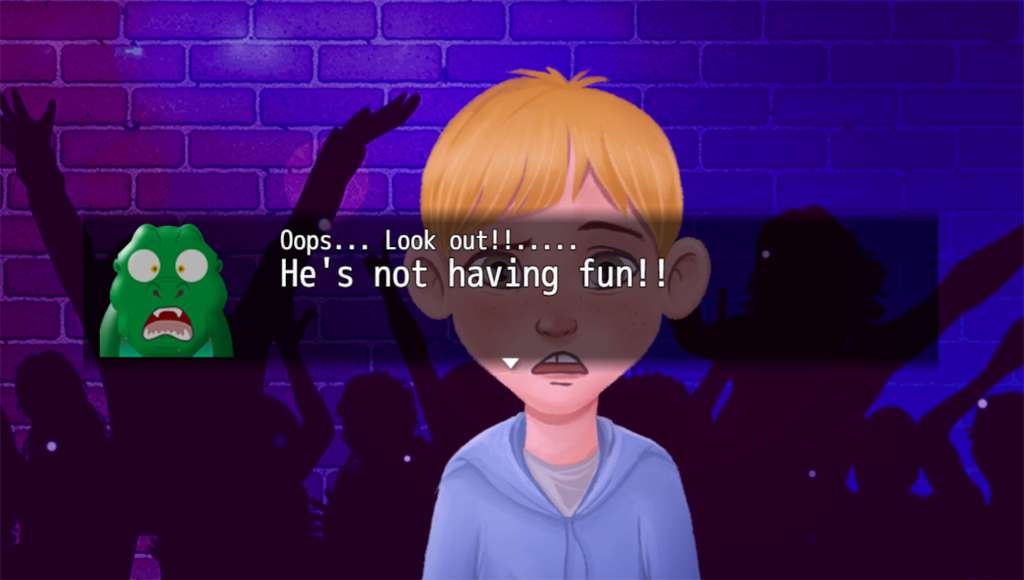
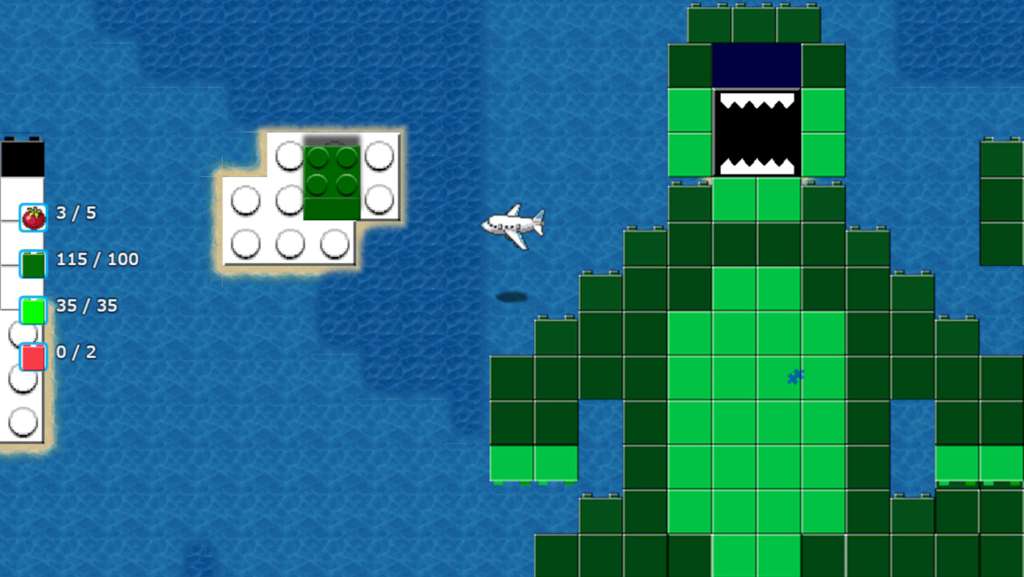
Max, an Autistic Journey is a retro style top-down turn-based RPG filled with mini games, monsters and most of all, heart. Developed by Stéphane Cantin, who is just a devoted dad who made a game with his son about his son’s autism. During the game player’s step into the shoes of Max, a ten year old boy who must find ways to deal with everyday life while being diagnosed with an autism spectrum disorder (ASD). Many players will discover a world familiar but alien to them. Some may relate to Max’s story all too well. Regardless where you fall in the spectrum of life, Max, an Autistic Journey delivers an entertaining, imaginative and informative trip worth taking. This retro-inspired RPG gives players not only a unique gaming experience, but an insight into a world many people have never seen. While the visualization of the beasts may be fantasy, the emotions and frustrations they represent are very real for a lot of people. Features Classic turn-based battle system featuring clever weapons and special abilities to confront monstrous manifestations of emotions and anxieties Gain experience points through imaginary toy battles and by confronting your fears and anxieties to level up Core retro RPG mechanics infused with multiple Mini Games such as picture puzzles, race cars and making music Endearing tale of trials and tribulations from a unique perspective that inspires, educates and entertains as the story unfolds Mouse & Keyboard and Full Controller Support Steam Achievements, Cloud Saves & Steam Trading Cards
| Genres | Indie, RPG |
|---|---|
| Platform | Steam |
| Languages | English |
| Release date | 2016-08-19 |
| Steam | Yes |
| Regional limitations | 3 |