
Nock: Hidden Arrow Steam CD Key
3,26 €
- Digital Download
- Safe Shopping
- Money Back Guarantee
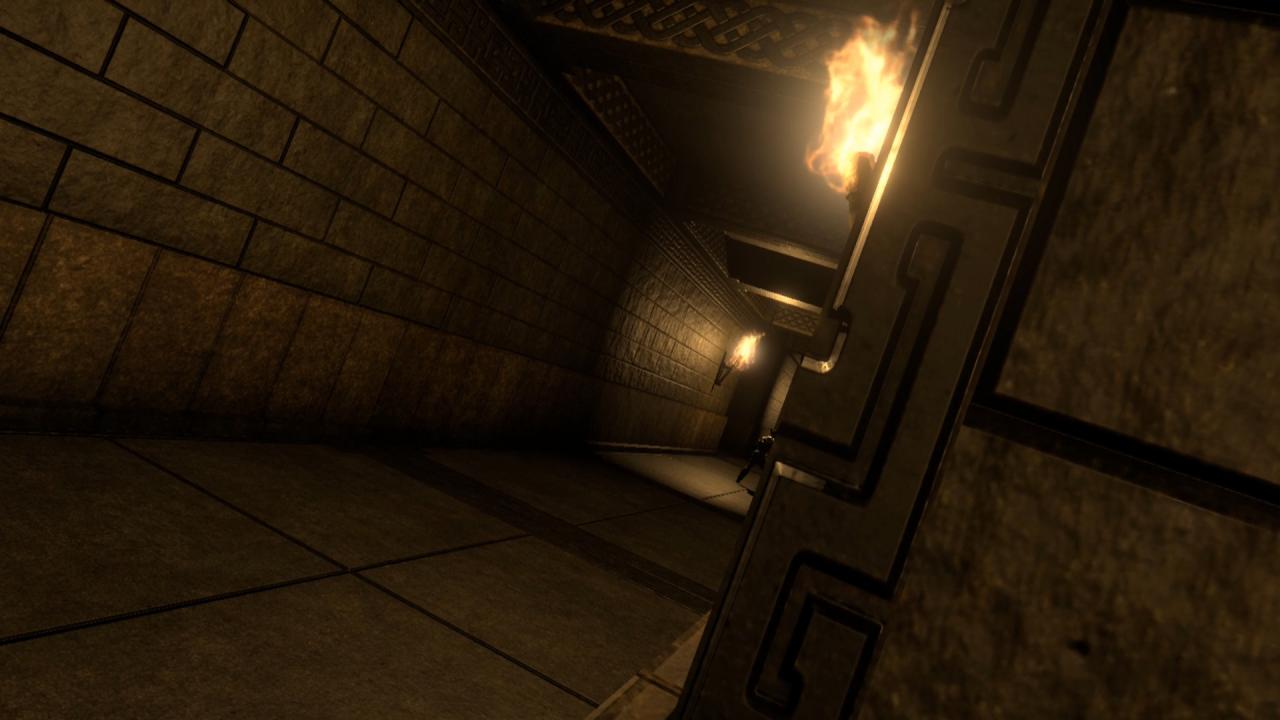
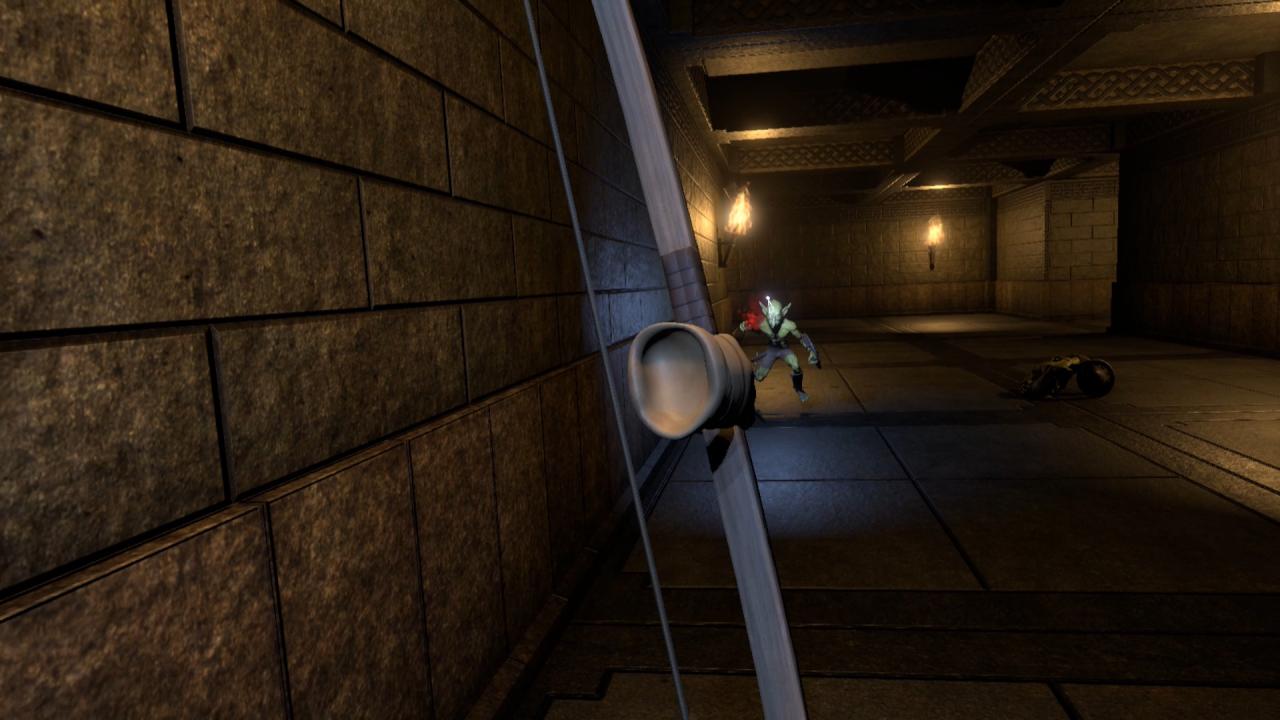
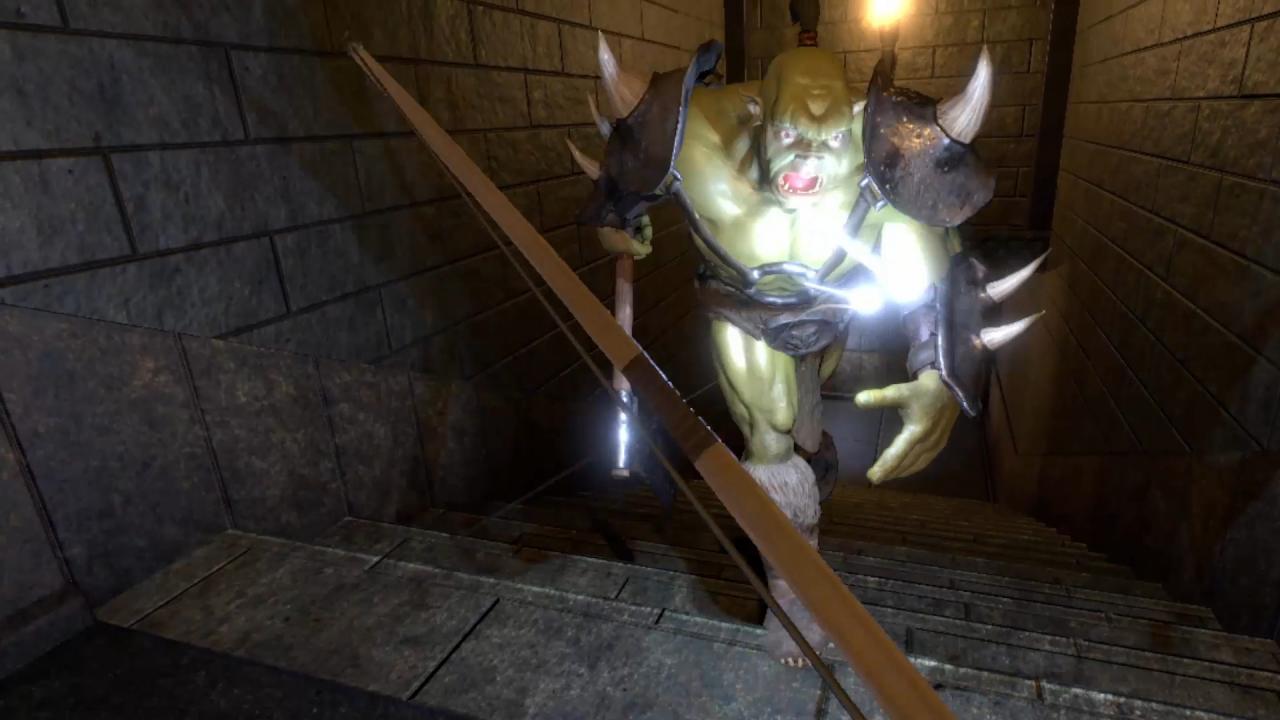
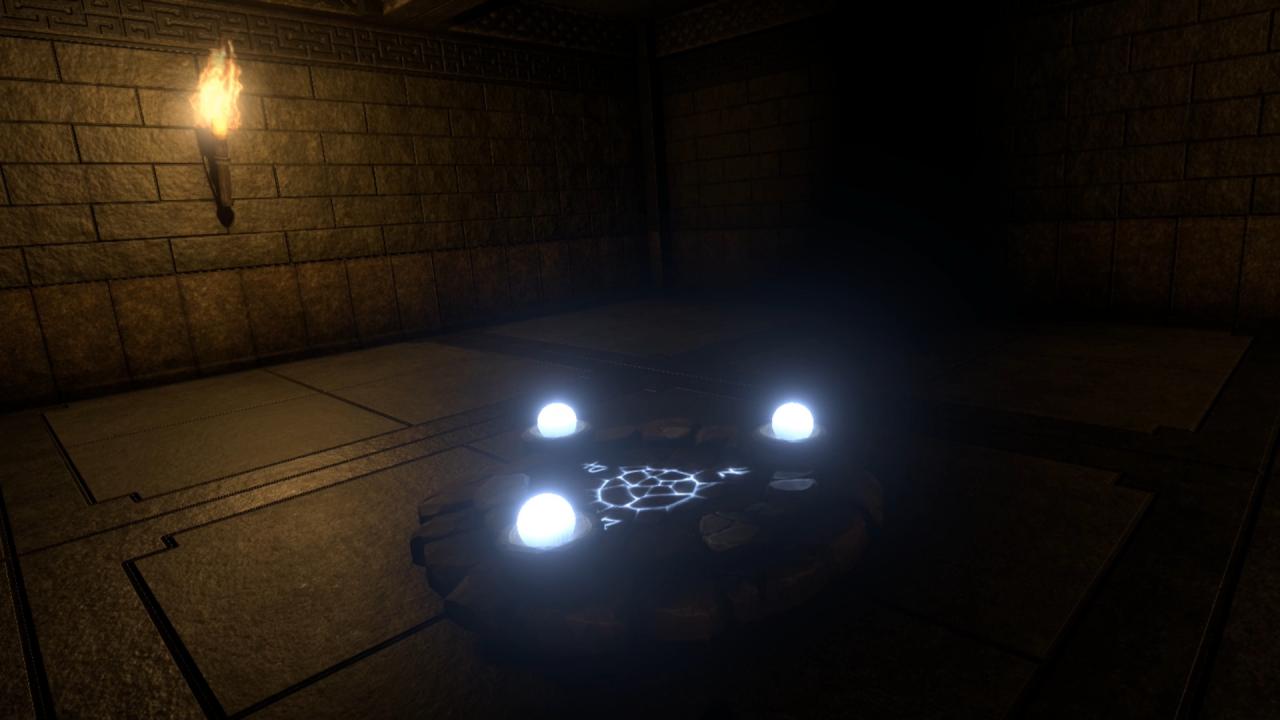
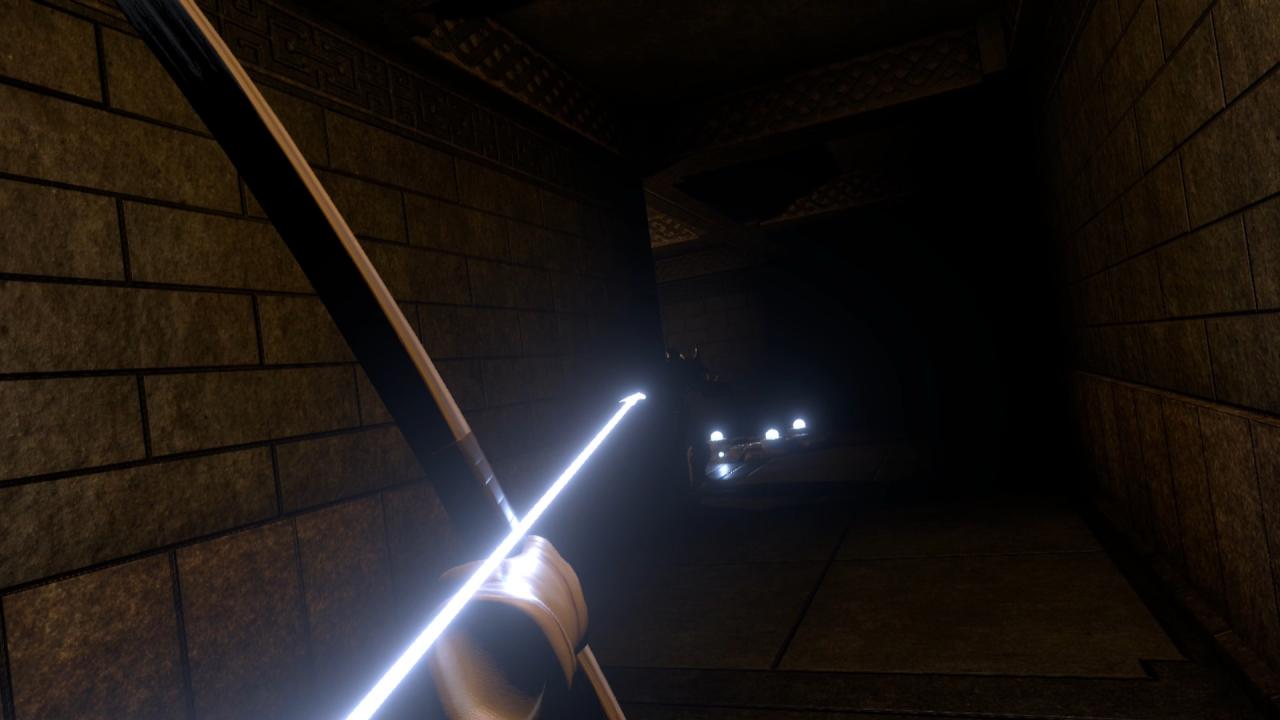
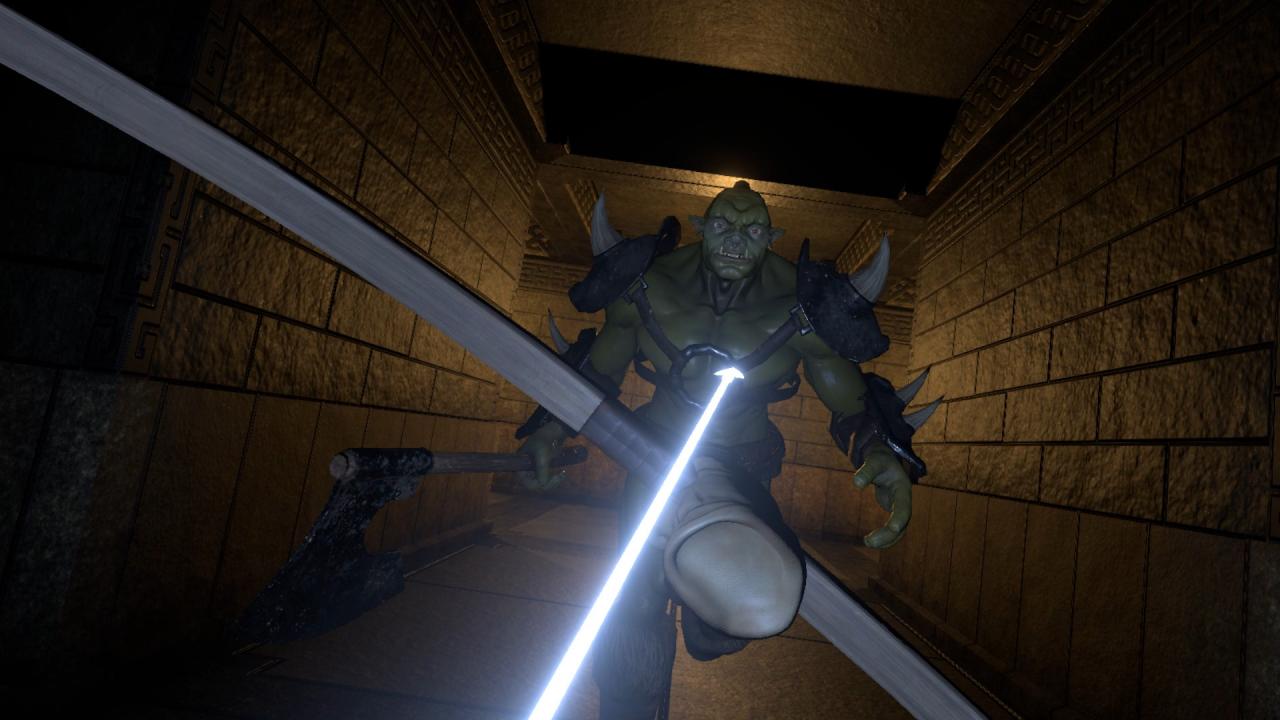
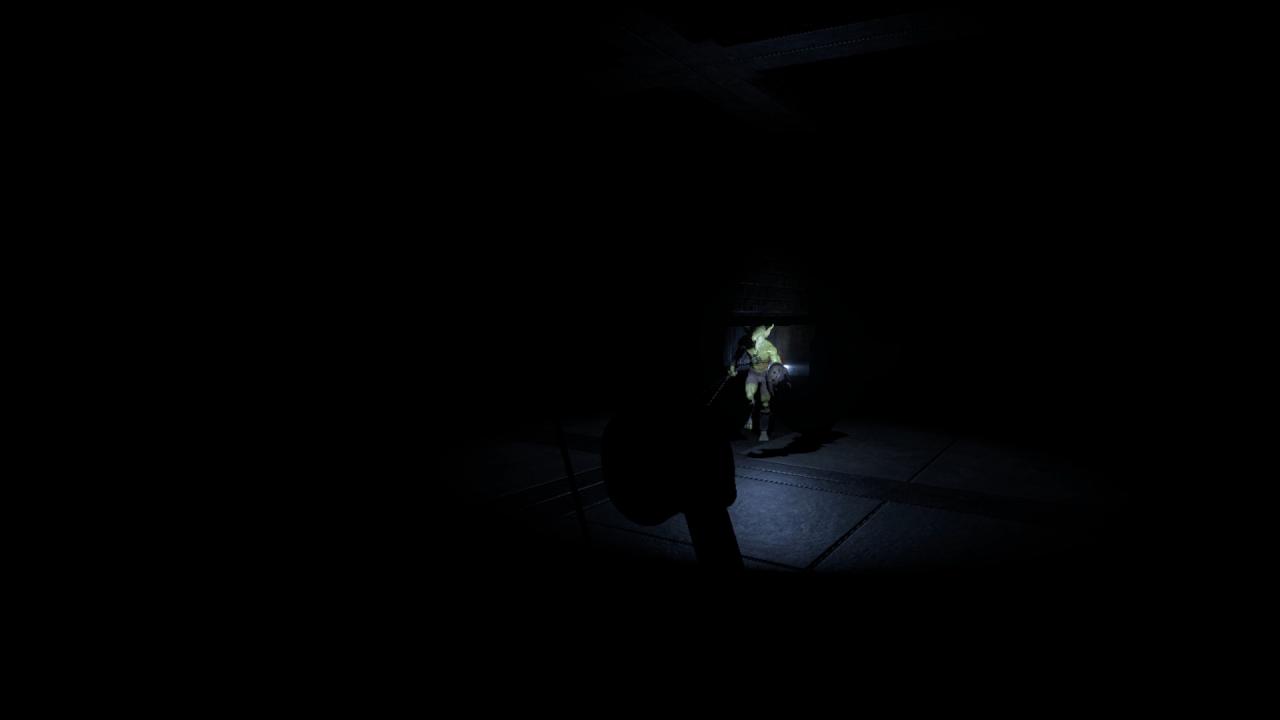
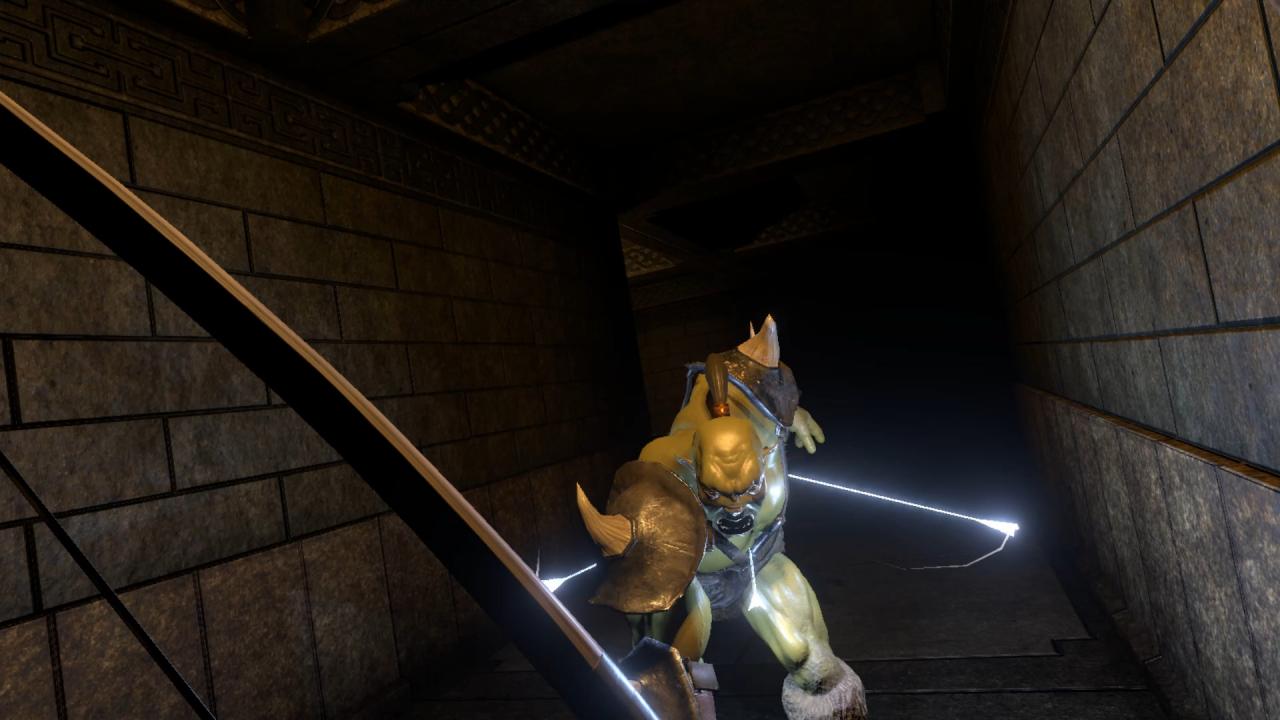
Nock: Hidden Arrow is a stealth archery dungeon crawl that eschews the resource-management elements you’d normally see in a dungeon crawl in favor of focusing on an immersive dungeon delving experience. The entire focus is on action and theme. I’m aiming to have minimal (ultimately no) UI, with all necessary information received through visual and audio cues, and physical feedback. Core gameplay will consist of: Sneaking around to avoid detection. Luring monsters into more advantageous positions (eg alone) so you can happily murder them or slip past them unseen. Shooting stuff in the face. Or the back of the neck. I don’t judge. More shooting stuff in the face. Avoiding traps. “Accidentally” setting off traps while monsters are in unfortunate positions. Throwing stuff. Solving classic dungeon puzzles. I have all sorts of things I’d love to put in this game, but I’m focusing on a tight set of core elements I know I can produce, and that I believe will make for a fun game. There’s still work to be done, but things are shaping up pretty well. AI is improved, Obviously things are still super early. The stealth mechanics still need tuning. But the theme and feel matches what I’m aiming for, and hopefully from this you can get an idea where I’m hoping to go with it.
| Developers | CodeBison Games |
|---|---|
| Publishers | CodeBison Games |
| Genres | Action, Adventure, Indie |
| Platform | Steam |
| Languages | English |
| Release date | 2016-11-29 |
| Steam | Yes |
| Regional limitations | 3 |
Related products