

PD Howler 11 Steam CD Key
10,65 €
- Digital Download
- Safe Shopping
- Money Back Guarantee
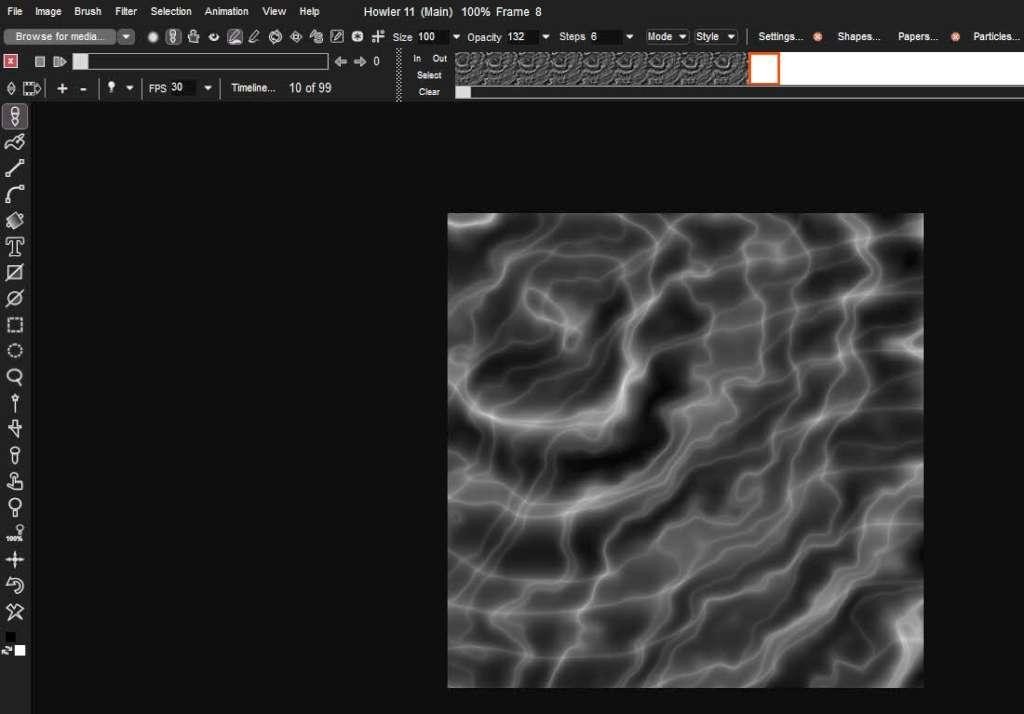
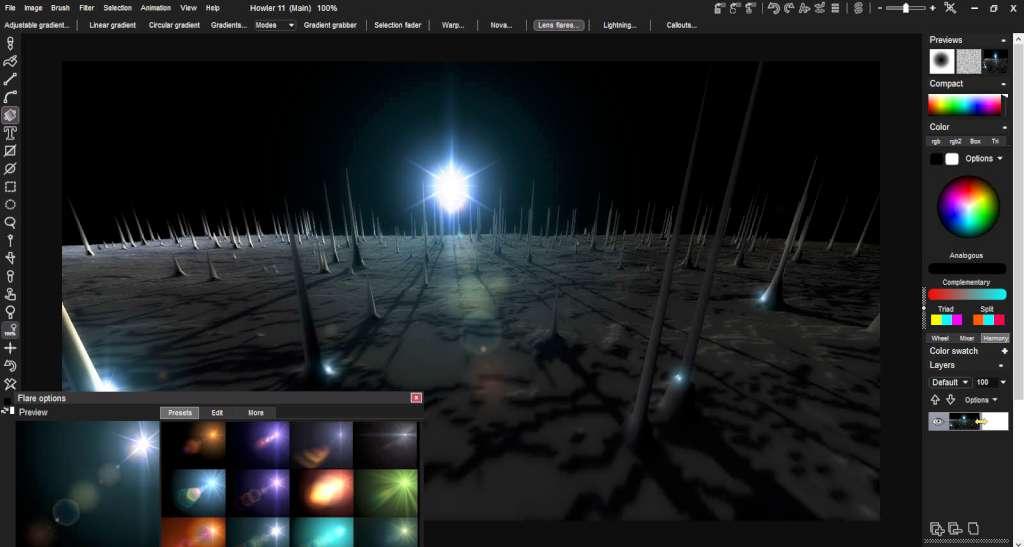
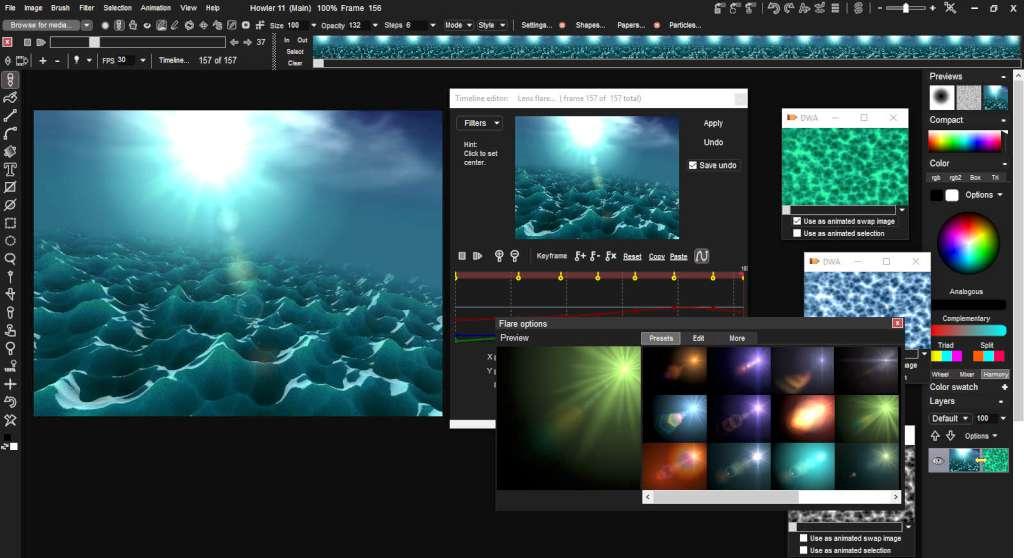
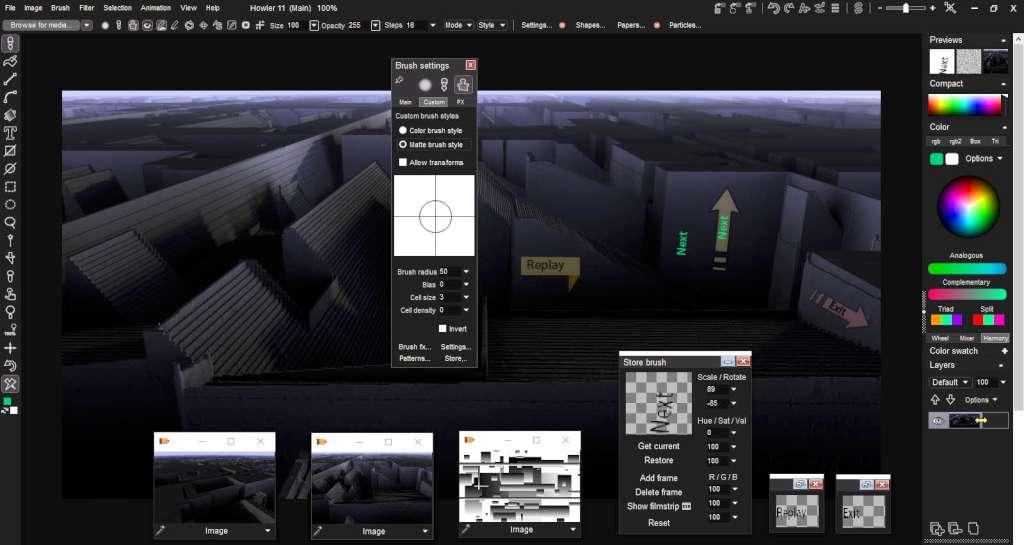
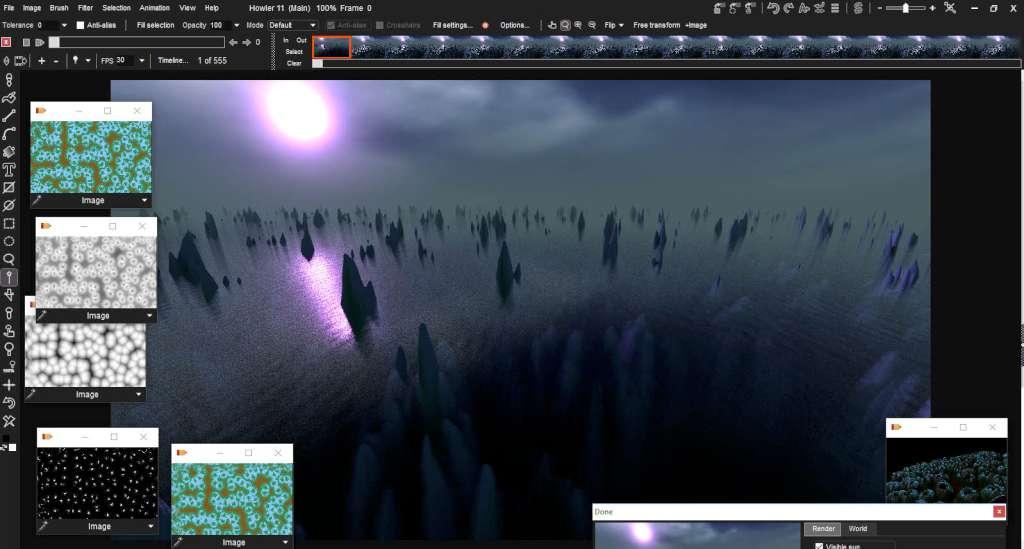
A digital painting and visual effects program for Microsoft Windows. PD Howler 11 – Axehead is the latest in the PD Howler series of digital painting and visual effects applications. This affordable, but hugely powerful application includes new Painting, Animation, 3D and Visual FX tools. As with all the applications in the PD Howler series, PD Howler 11 – Axehead is the perfect tool for home designers and game developers. It is a fraction of the cost of the so called professional applications, yet offers many of the same features. Features Raytracing improvements including bounce light, refraction, water, bump maps, and visible sun in Puppy Ray New adjustable gradient tool and contour gradients Numeric entry throughout the program Callouts and vector objects Improved image scaling and crop tool Improved curve and rotoscope tools Enhanced timeline and font panel Improved media browser: Delete media, and save particle media The color picker from Particle 9 has been added and remembers settings GUI color settings and new system rendering options New Filters, including water drops, bilateral, Julia set, normal map, water caustics, water ripples, Worley noise, shape bombing, and fracture All new programming API, and much more. . .
| Developers | Daniel Ritchie – Squirreldome.com, Philip Staiger – TheBest3D.com |
|---|---|
| Publishers | KISS |
| Genres | Software |
| Platform | Steam |
| Languages | English |
| Release date | 2017-05-05 |
| Steam | Yes |
| Regional limitations | 3 |


