Peninsular War Battles Steam CD Key
3,54 €
- Digital Download
- Safe Shopping
- Money Back Guarantee
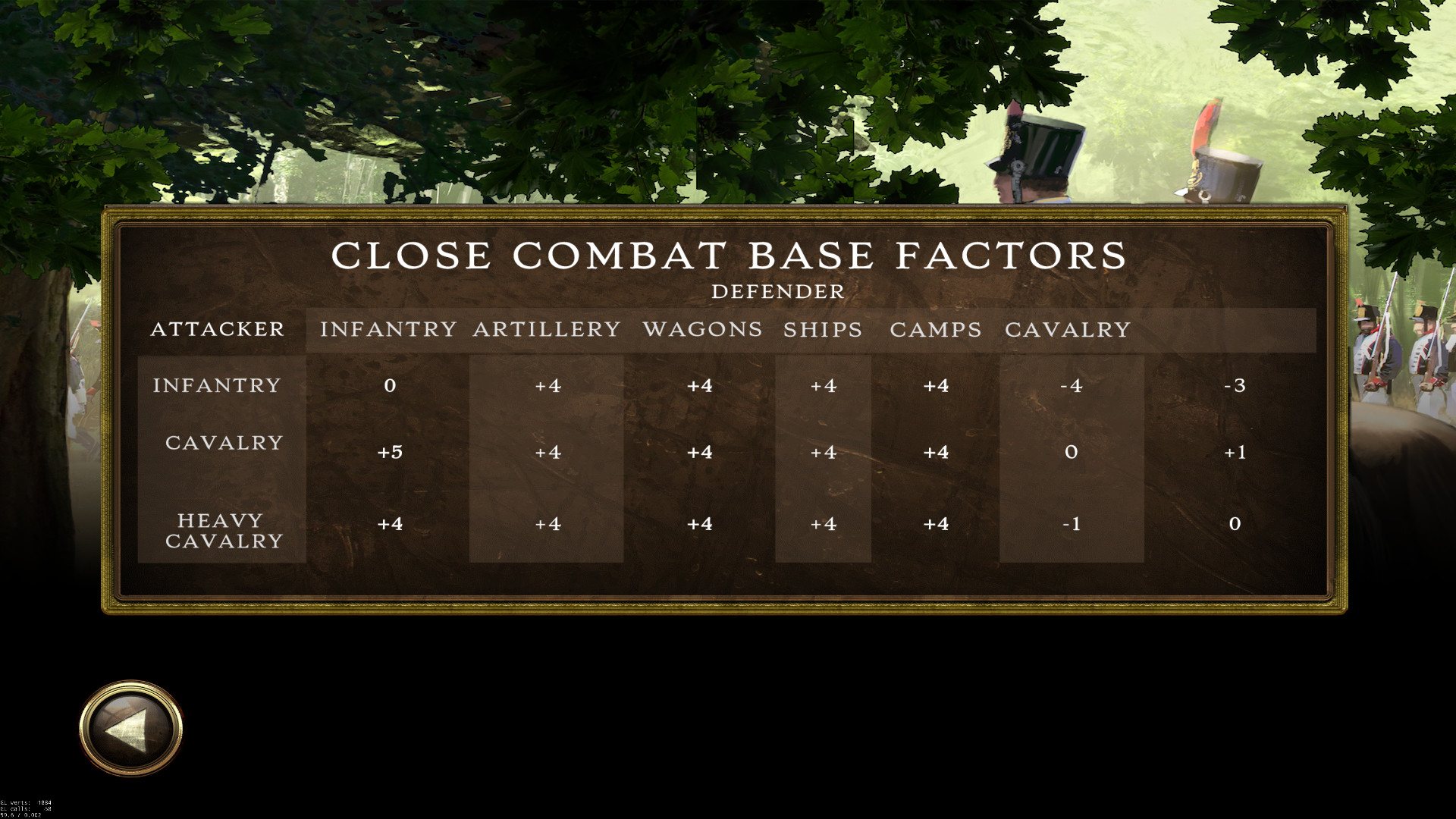
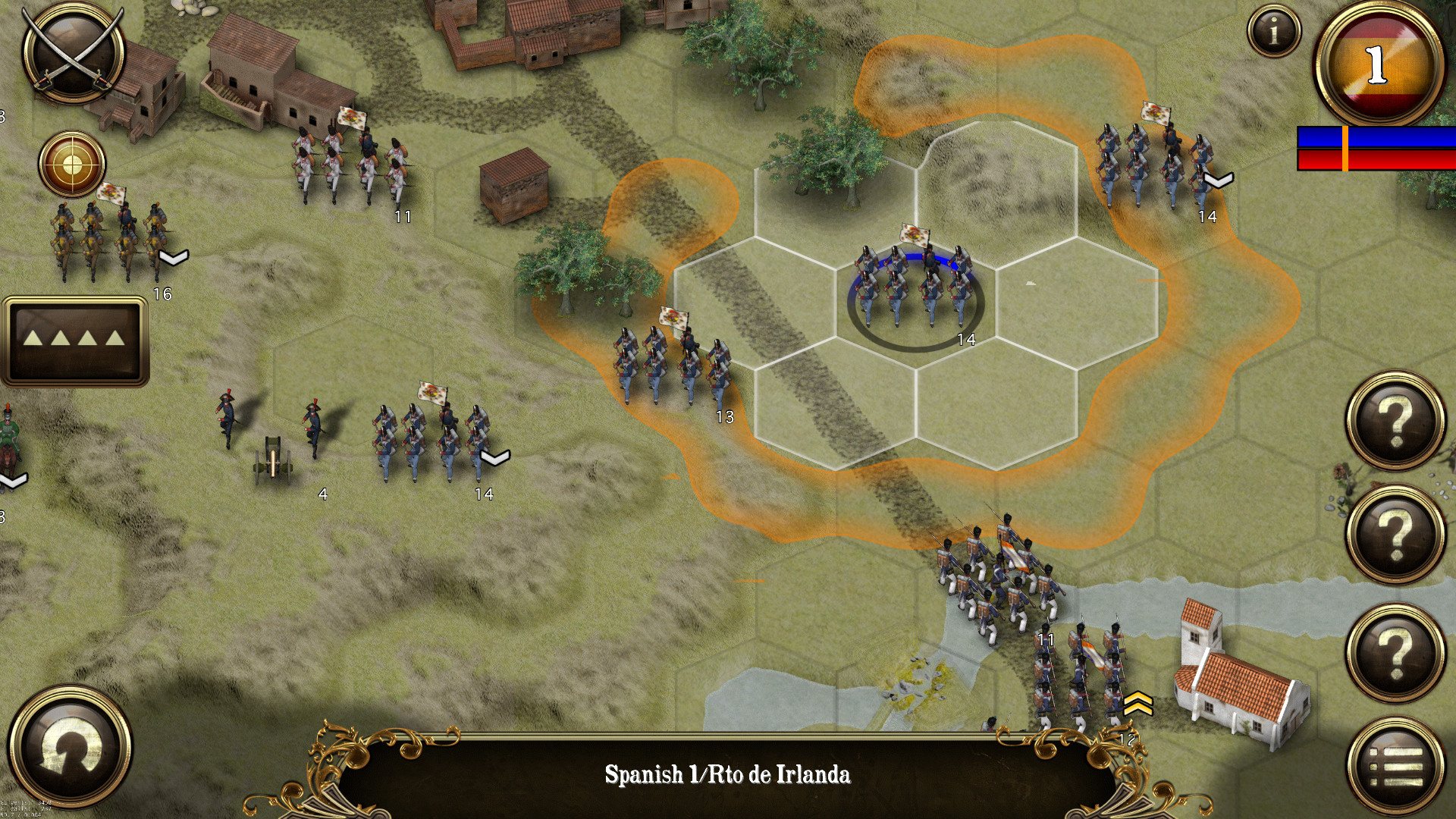
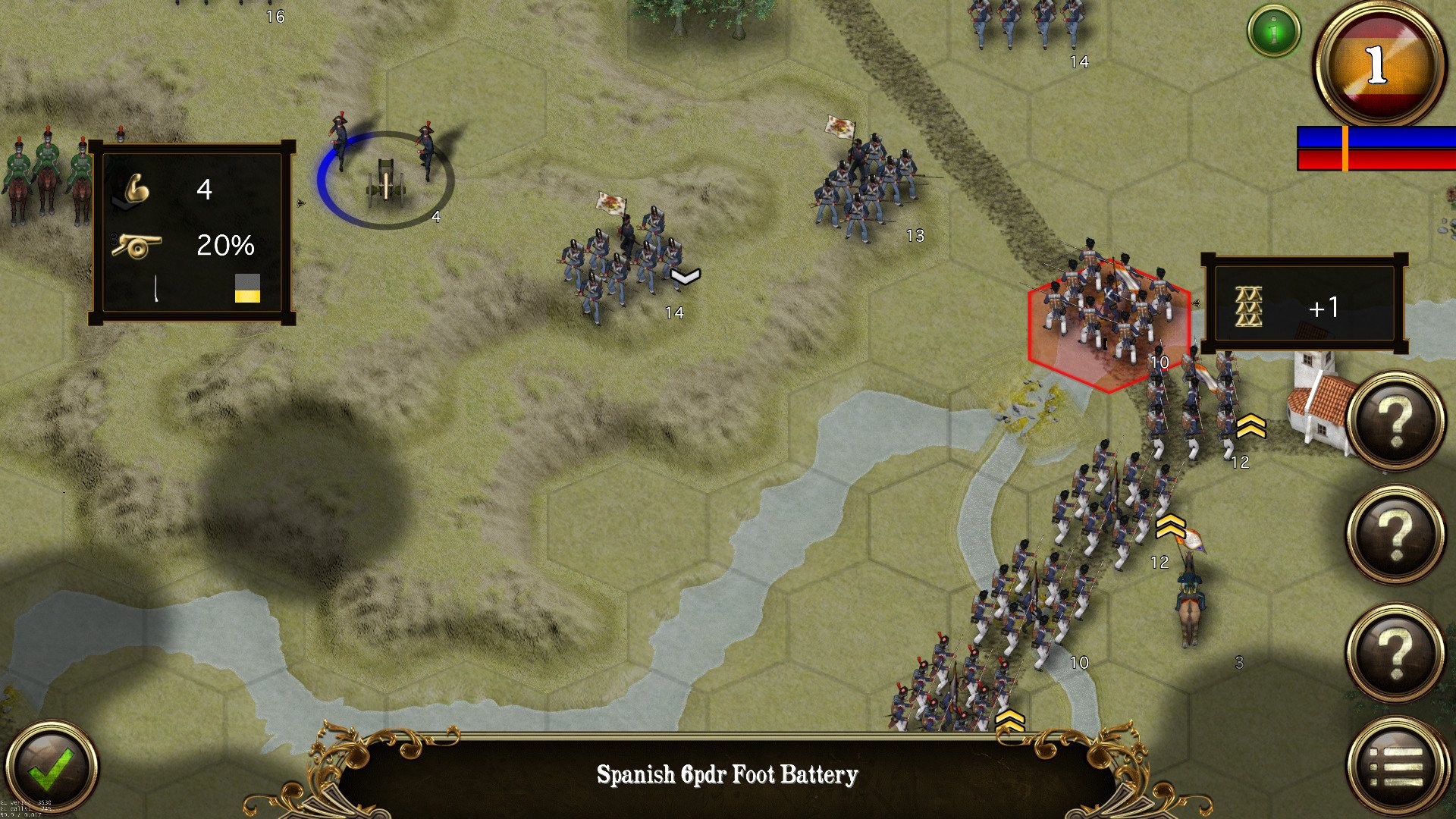
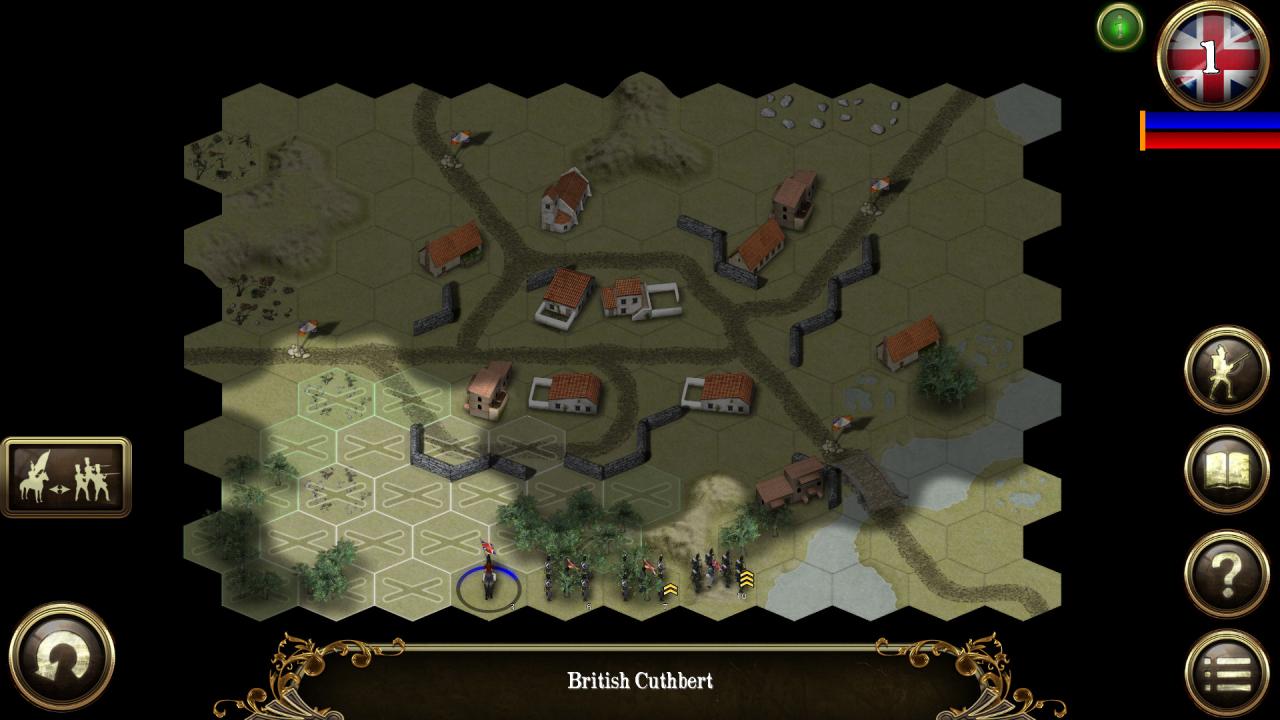
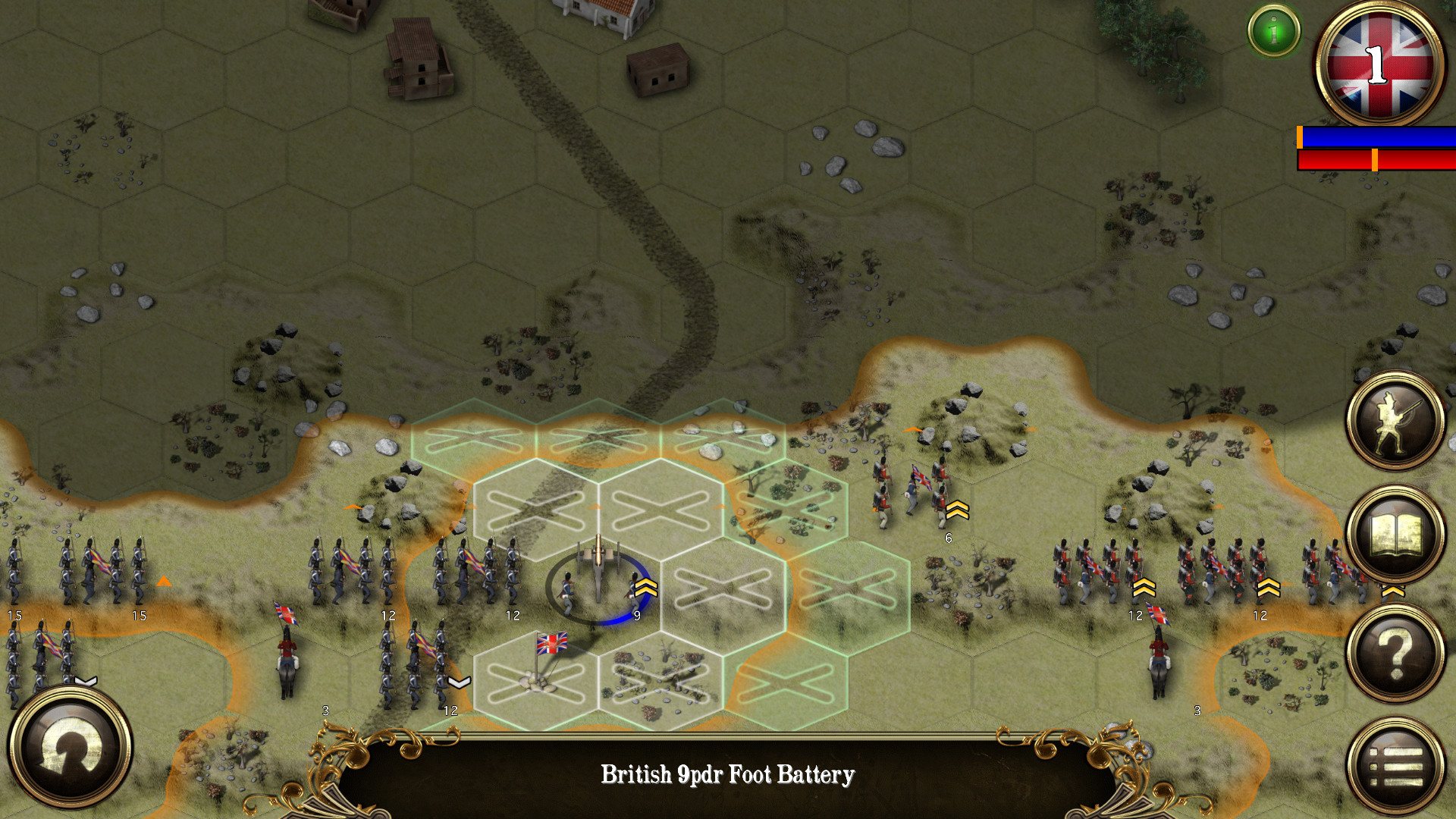
Peninsular War Battles places you at the forefront of Napoleon’s campaign to conquer Portugal and Spain. Play is possible as the British, French or Spanish across 5 campaigns with a total of 40 missions. Peninsular War Battles is the most advanced wargame from HexWar yet! The missions represent well researched representation of the major battles of the period with a full range of tactical options available to all the commanders. There are 64 different combat units, each in an accurate depiction of the uniforms, colours and flags of the period. The in-depth game systems allows infantry units to form line, column or square while light infantry units may skirmish in open order. Victory in most battles will go to the commander most able to utilize the combined arms benefits of infantry, cavalry and artillery to the best effect. Features 5 Mission ‘Tutorial’ Campaign 3 Mission ‘Invasion’ Campaign 8 Mission ‘Assault’ Campaign 8 Mission ‘Conquest’ Campaign 8 Mission ‘Engagement’ Campaign 8 Mission ‘Hammer’ Campaign All missions, apart from the tutorial, can be played as both sides 53 different historical models representing 66 different unit types. Four classes of infantry – Raw, Average, Veteran and Elite 12 different troop classes with infantry, light infantry, riflemen, light cavalry (light dragoons and hussars), lancers, dragoons, cuirassiers, 4pdr, 6pdr, 8pdr, 9pdr and 12pdr artillery and horse artillery. Detailed Combat Analysis Map zoom Flank Attacks Strategic Movement
| Developers | HexWar Games |
|---|---|
| Publishers | HexWar Games |
| Genres | Strategy |
| Platform | Steam |
| Languages | English |
| Release date | 2017-09-01 |
| Steam | Yes |
| Regional limitations | 3 |
Related products