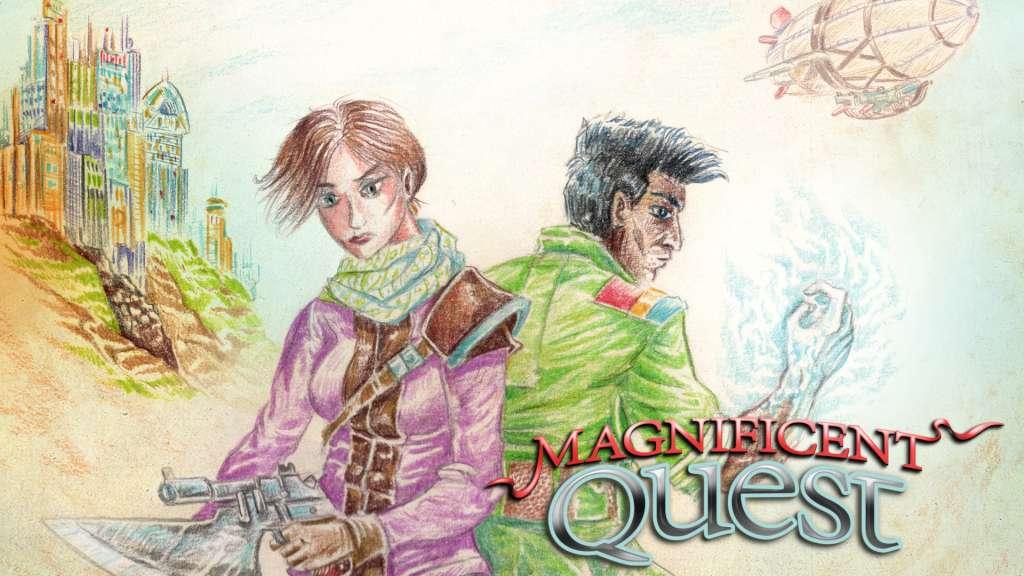
RPG Maker VX Ace – Magnificent Quest Music Pack Steam CD Key
0,45 €
- Digital Download
- Safe Shopping
- Money Back Guarantee
Star a Magnificent Quest with these 40 tracks inspired by classic JRPGs and anime! Rocking battle tracks, mysterious dungeon tunes, epic themes and lively town music will charge up the emotions in your game! Get ready for drama, adventure, and high emotion! The forty tracks in this pack take inspiration from the sounds of classic JRPGs and anime to deliver you a supercharged soundtrack. Battle along to hard-rocking anthems that pull at the heart and fire your adrenaline all at once. Dive into dungeons that vary from lighthearted exploration to deeper, darker delvings. Themes for good and evil will add depth to any game, and you’ll find a whole world’s worth of town tunes to spice up your geography. Features 10 Battle themes, including BGMs for fast-paced encounters, emotion-packed duels and epic boss fights. 10 Dungeon themes, perfect for any dungeon ranging from cheerful dwarven halls to haunted manor corridors. 10 Character/Event themes, touching on everything from brave adventurer beginnings to melancholy flashbacks. 10 Town themes, spanning over several town types – from army barracks and magical cities to exotic locales and secluded villages. . wav, . ogg, and . mp3 formats included. Royalty free music to use in your commercial and non-commercial RPG/IG Maker projects.
| Developers | Enterbrain, Joel Steudler |
|---|---|
| Publishers | Degica |
| Genres | Simulation |
| Platform | Steam |
| Languages | English, French, German, Italian, Portuguese – Brazil, Spanish |
| Release date | 2014-09-16 |
| Steam | Yes |
| Age rating | ESRB E |
| Regional limitations | 3 |