Direct purchases are temporarily unavailable. We are moving to official partner stores.

The Deer Steam CD Key

0,85 €

  • Digital Download
  • Safe Shopping
  • Money Back Guarantee

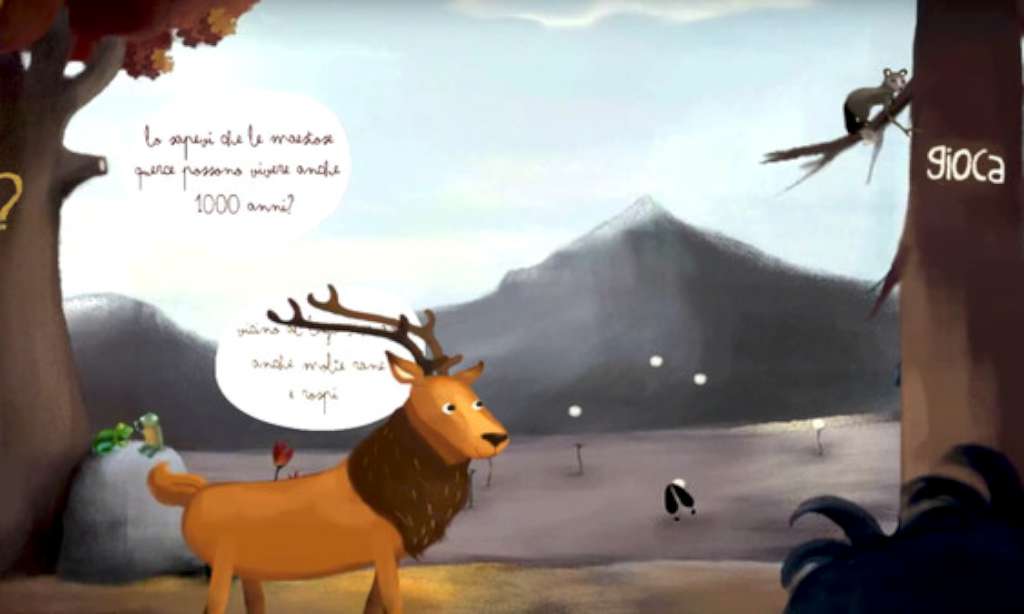
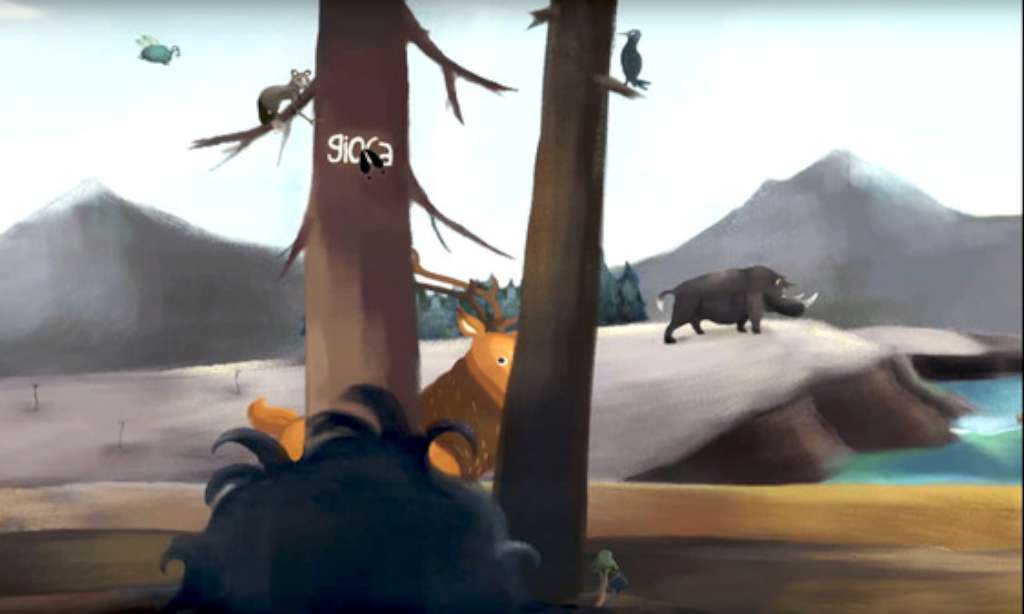
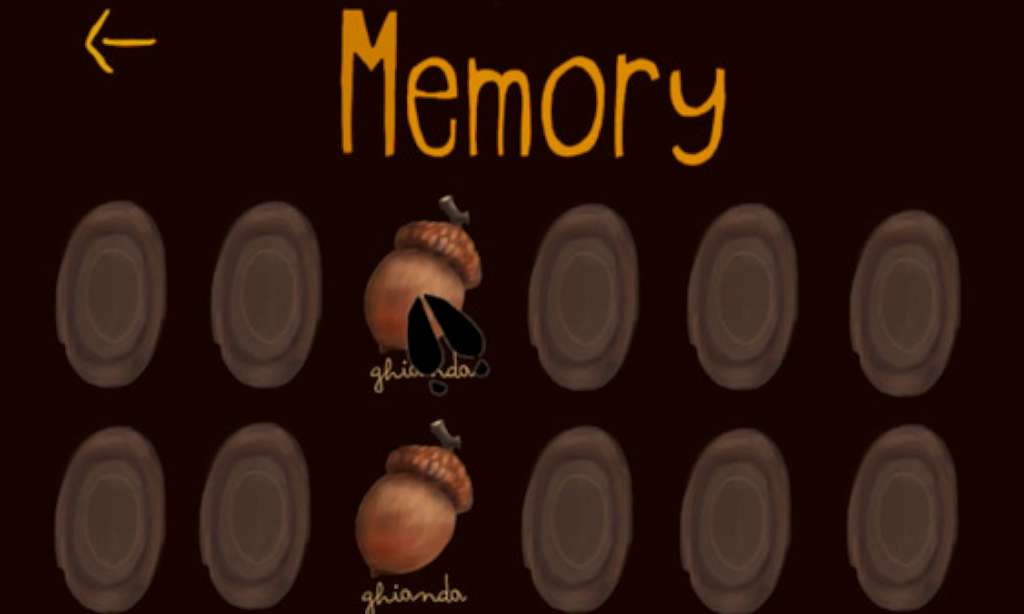
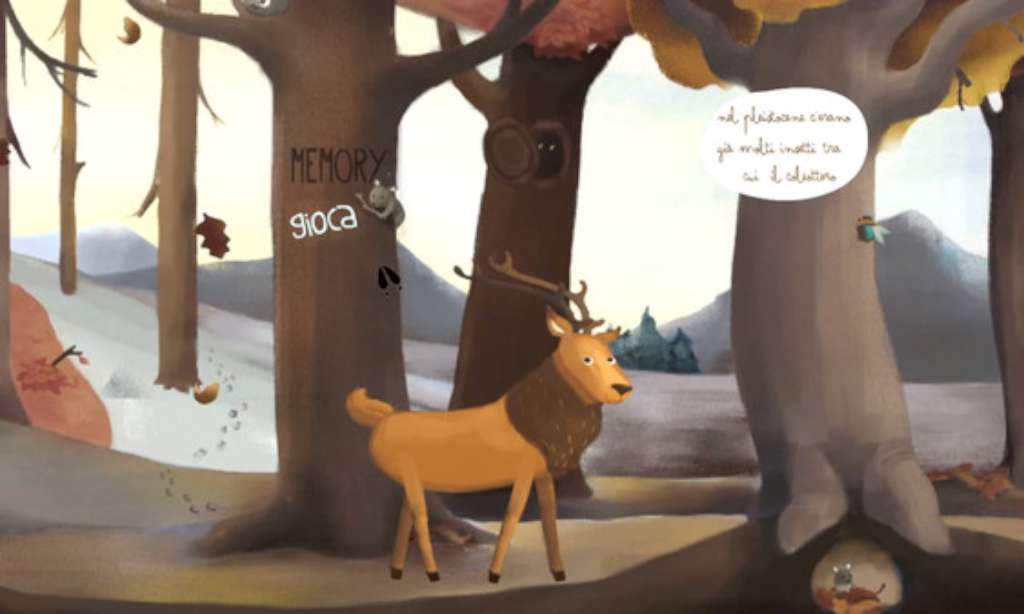
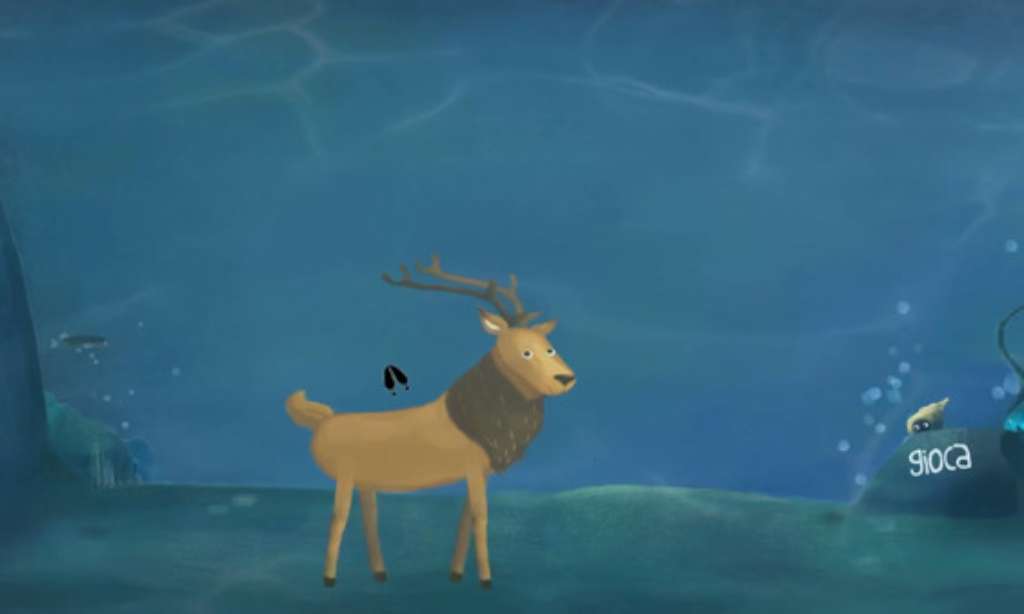
“The Deer” is an educational inter­ac­tive expe­ri­ence for children. You’ll be an ancient Deer during the Pleistocene (Ice Age) epoch and you’ll discover everything about this marvelous era. – Did you know that during the Pleistocene there were no dinosaurs? They had become extinct at the end of the Cretaceous Period, more than 60 million years before the Pleistocene Epoch began. – Did you know that many animals, specifically, mammals were much larger in body form than their modern relatives? – Did you know that this age witnessed the final extinction of the giant shark Megalodon, that had been the top predator of the oceans for millions of years? Here are some of the interesting facts that you’ll find out playing “The Deer”! Unfortunately there were no T-Rexes during this age since they were already extinct millions of years before. All artwork is by illustrator Giulia Airoldi.

Developers

Fabio Ferrara, Giulia Airoldi

Publishers

Chubby Pixel

Genres

Adventure, Indie

Platform

Steam

Languages

English

Release date 2015-12-02
Steam Yes
Regional limitations 3
Windows
OS: Windows XP SP3 Processor: Intel Dual-Core 2. 6 GHz / AMD Dual-Core Athlon 3. 0 GHz Memory: 1 GB RAM Graphics: SM 3. 0 with 512MB VRAM; NVIDIA GeForce 8500 GT / AMD Radeon HD 4650 or greater Storage: 150 MB available space
Mac
OS: Mac OS X 10. 6 Snow Leopard Processor: Intel Dual-Core 2. 4 GHz Memory: 1 MB RAM Graphics: NVIDIA GeForce 640M / ATI Radeon HD 5750 with at least 512MB VRAM Storage: 150 MB available space Sound Card: Any Additional Notes: none
Linux
OS: Ubuntu 12. 10 LTS Processor: Intel Dual-Core 2. 9 GHz / AMD Dual-Core 3. 5 GHz Memory: 2 GB RAM Graphics: SM 3. 0 with 512MB VRAM; NVIDIA GeForce GTX 550 Ti / AMD Radeon HD 6670 or greater Storage: 150 MB available space
Go to: http://store. steampowered. com/ and download STEAM client Click "Install Steam" (from the upper right corner) Install and start application, login with your Account name and Password (create one if you don't have). Please follow these instructions to activate a new retail purchase on Steam: Launch Steam and log into your Steam account. Click the Games Menu. Choose Activate a Product on Steam. . . Follow the onscreen instructions to complete the process. After successful code verification go to the "MY GAMES" tab and start downloading.
This website uses cookies to improve your experience.