




Vox Populi Vox Dei 2 PC Steam CD Key
1,51 €
- Digital Download
- Safe Shopping
- Money Back Guarantee
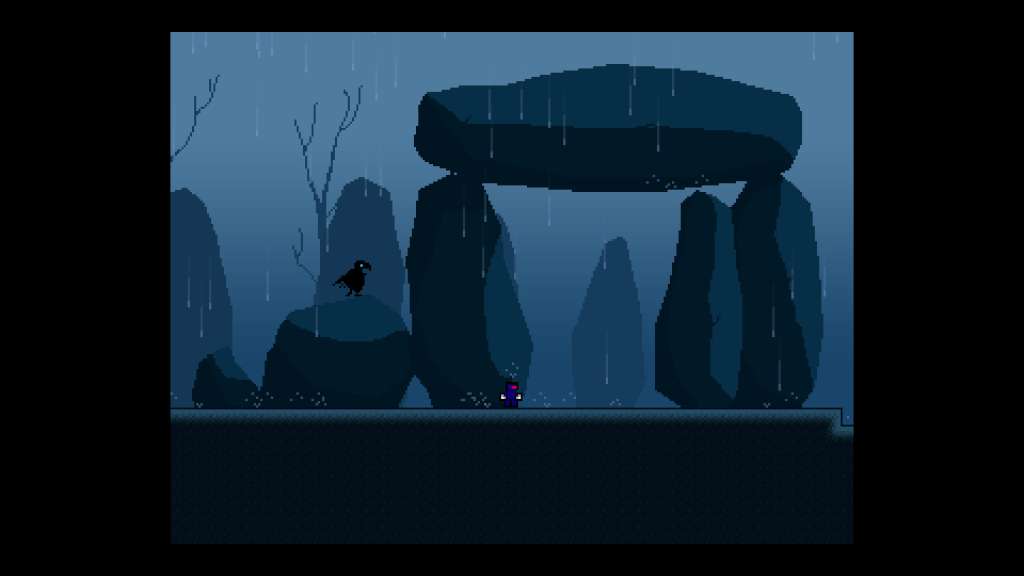
The story of Vox Populi Vox Dei: Episode 2 continues where the original left off: Dr. Wolf has taken the lovely girl and tried to kill our hero, but he doesn’t know just how hard that that is to accomplish. The adventure begins with the ninja waking up inside a cave, with no clue as to what happened to his girl. When he started his mission, a long time ago, he didn’t realize how big the problem was: the wolves had created an empire, the enemy is stronger that ever. Through his path he discovers a new world that forces him to expand his journey and fight not just on the ground. Dr. Wolf’s army is waiting for him, the ninja must pass different challenges without hesitation, but little does he know of what awaits him next. Features New improved graphics Boss fights Original soundtrack Ingame/Not Ingame Cinematics More blood that ever Multiple ways of dying +50 Levels Different game mechanics Steam achievements Xbox-360 Gamepad Support
| Genres | Action, Adventure, Indie |
|---|---|
| Platform | Steam |
| Languages | Chinese, Danish, English, French, German, Japanese, Portuguese, Portuguese – Brazil, Russian, Spanish, Swedish |
| Release date | 2015-03-01 |
| Steam | Yes |
| Regional limitations | 3 |
Related products