VR Ping Pong Steam CD Key
3,17 €
- Digital Download
- Safe Shopping
- Money Back Guarantee
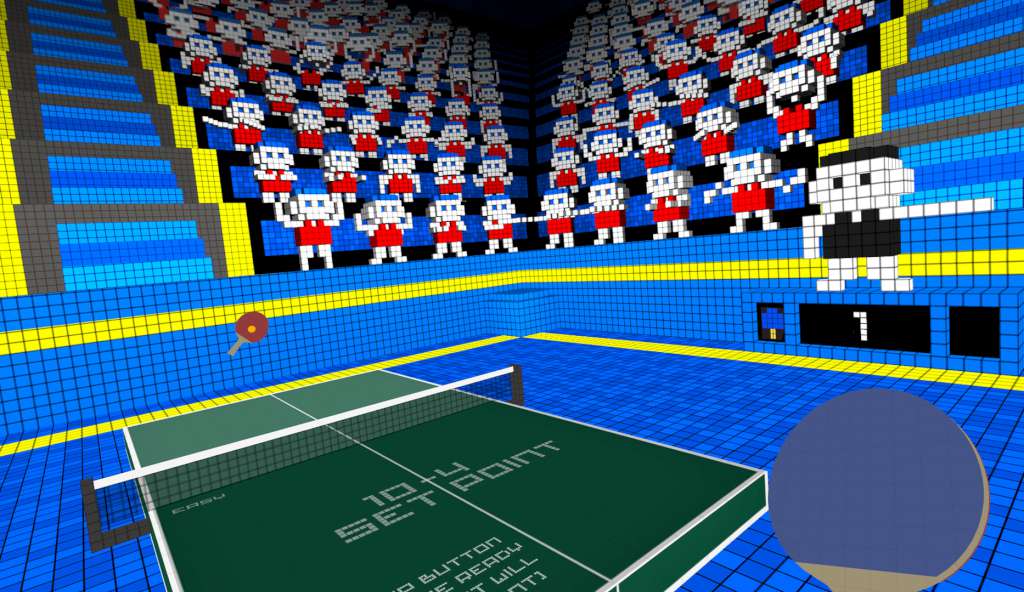
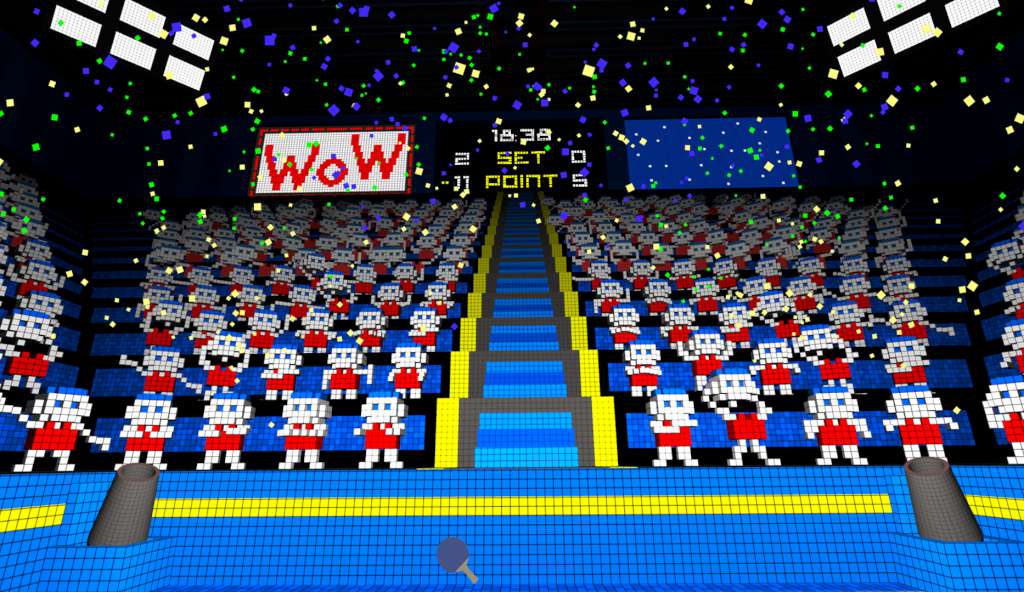
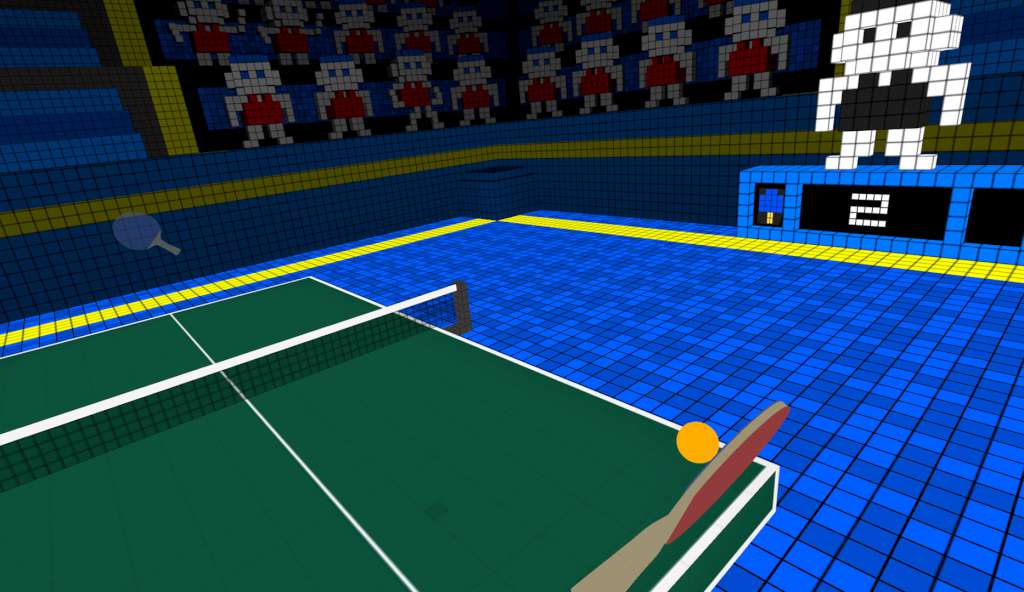
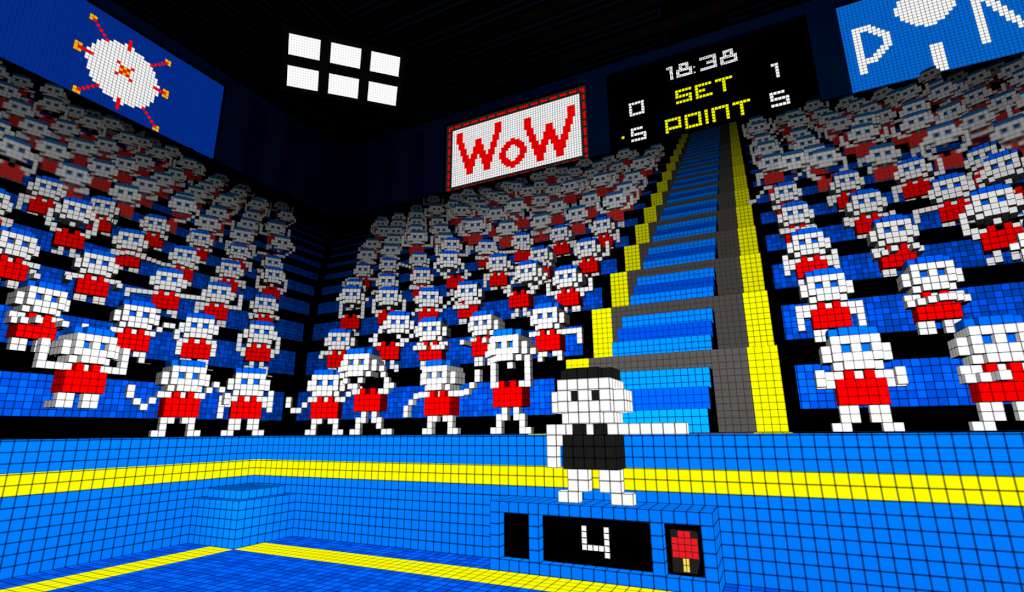
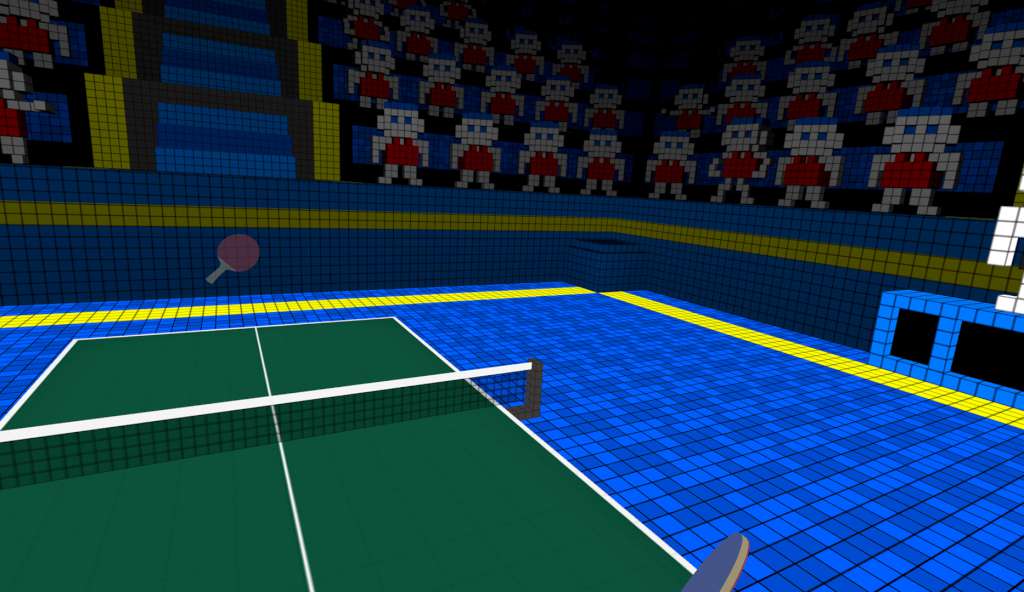
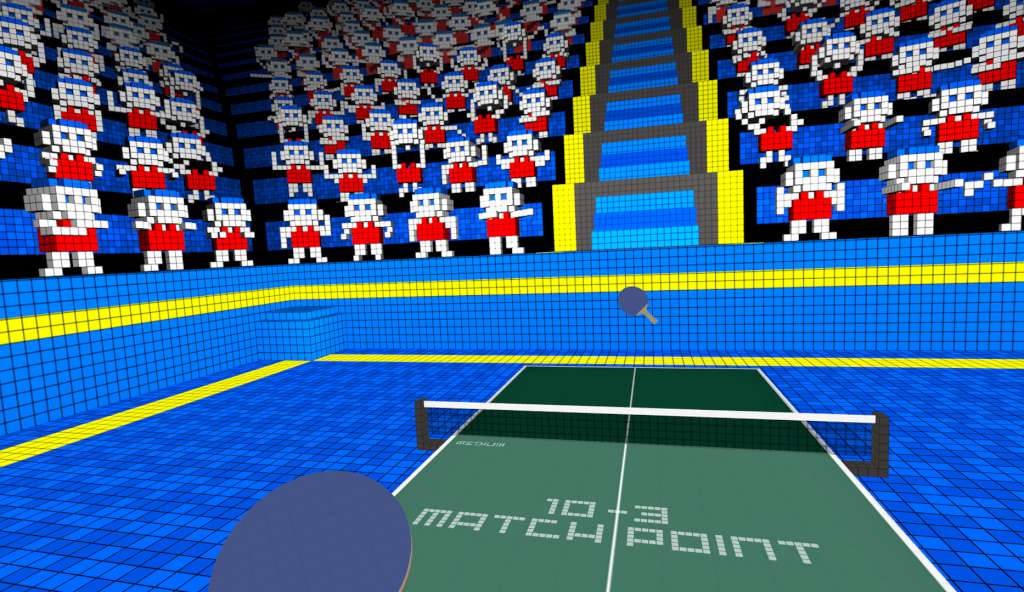
VR Ping Pong is a simulator that thanks to VR technology, and with the help of SteamVR Controllers, brings a ping pong table into your lounge. Using 1:1 scale with virtual reality, you will have the sensation of play ping pong in reality: Virtual reality teleports you inside voxel-style environments that until today you could only dream to visit. Each environment is styled as a stadium with fully animated audience members making for more immersive and addictive gameplay. the changes in the audience and the stadium is on the fly to increase the player’s degree of immersion without ever distracting from the play area; during breaks, you can have fun discovering all of the hidden easter eggs in the surrounding environment. Features With the different game modes, you can choose new experiences (from the shortest and easiest to longest and hardest): Practice mode: For the player that wants to train with AI point by point. Single match mode: For the player that wants to play a single basic match against AI. Tournament mode: For the player that wants to take on the challenge of becoming a champion. Arcade modes: For the player that wants improve their skills and compare their records with friends.
| Developers | Reddoll Srl |
|---|---|
| Publishers | IV Productions, Merge Games |
| Genres | Simulation, Sport, VR Games |
| Platform | Steam |
| Languages | English |
| Release date | 2016-07-07 |
| Steam | Yes |
| Age rating | PEGI 3 |
| Regional limitations | 3 |